
English learning at home
Using English Learning Apps in Tutoring Sessions: A Guide
A practical session framework for using English learning apps in tutoring sessions, with short routines for ages 5–10 and early readers.
By Talkio Kids ·
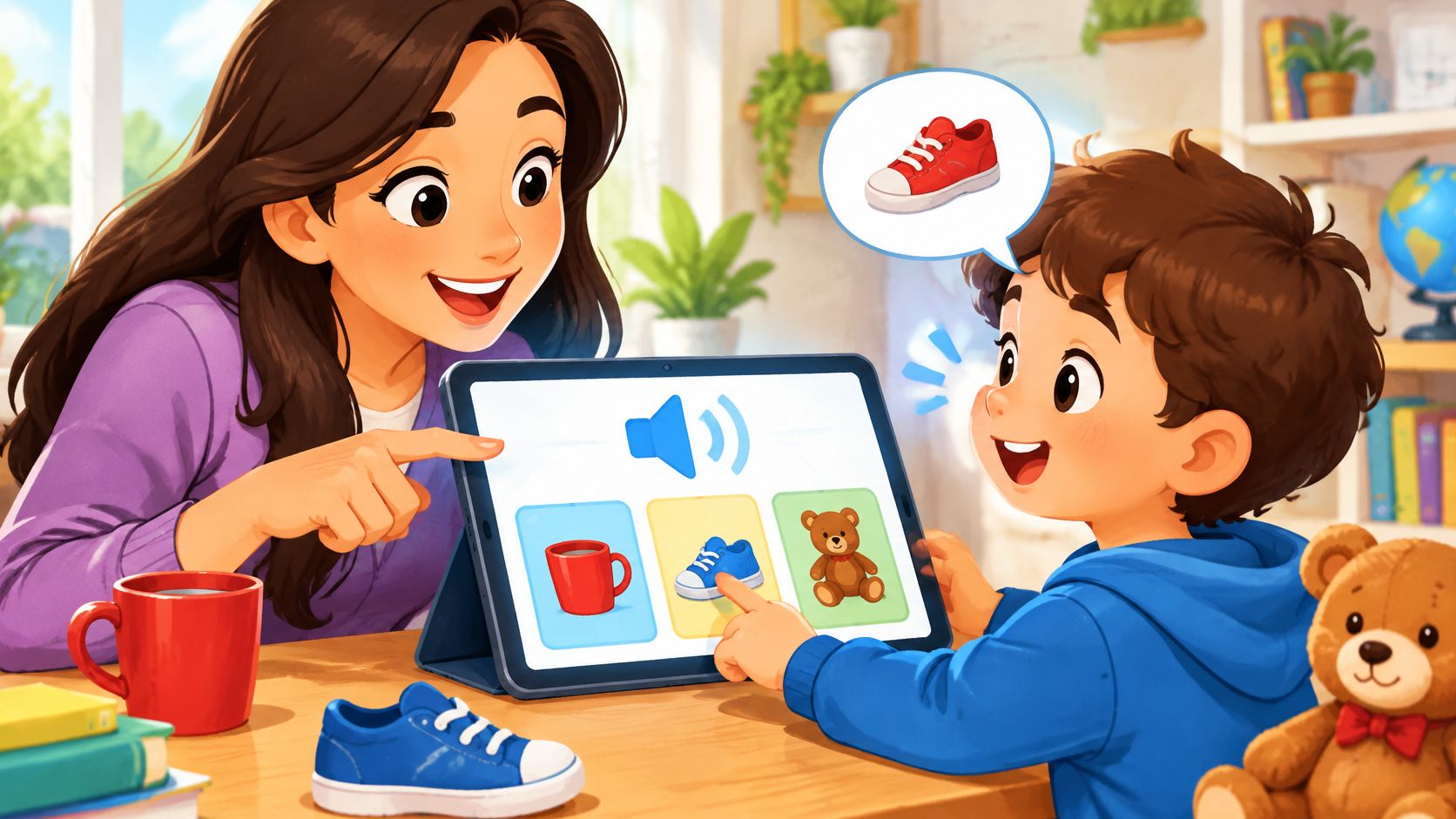
The lesson is already underway, the child has a tablet in front of them, and the next few minutes will either lock in a handful of useful English words or drift into quiet tapping. Parents and tutors meet this moment often with children aged 5 to 10 who are complete beginners. Age and English level are not the same thing. A 9- or 10-year-old can be new to English even when they read confidently in another language, while a younger child may recognise a picture long before they can say the word.
Using English learning apps in tutoring sessions works when the app is one timed stage inside a live lesson, not a separate activity the child does alone. A short listening or picture task can introduce words. The adult then checks, with the screen off, whether the child can say them. Nothing here promises a set amount of progress. The aim is a calm routine adults can repeat.
Checking Privacy and Offline Use Before Each Session
Before the first lesson on a new device, run five short questions. They take a minute and stop a lesson from stalling on a login screen, a missing download or a surprise purchase.
Can the child practise without an account or sign-in? Look for a start that needs no email and no profile creation.
Does the app work without reliable internet? Open a lesson on a train or with Wi-Fi switched off, and see whether the pictures and audio still play.
Is progress stored on the device or uploaded somewhere? Prefer storage that stays on that tablet or phone.
Are purchases protected from accidental taps? An adult gate should sit in front of any buy button.
What can the tutor report to a parent? Share only the words practised, not extra personal details about the child.
| Check | What to look for |
|---|---|
| Account or sign-in | No sign-in needed before the lesson starts |
| Offline use | Lessons run without reliable internet |
| Progress storage | Stored on the device, with the trade-off that it may not move between devices |
| Purchases | Protected from accidental taps by an adult gate |
| Tutor report | Only the words practised, with no unnecessary child data |
Local progress can be more private because it does not travel to a server the tutor cannot see. The trade-off is portability. Words finished on a family tablet may not appear on a phone at home, so the tutor should write the last set in a notebook and hand that list to the parent. If a speaking activity asks for microphone access, check that the lesson still works when permission is refused.
What to read on a privacy page
The American Psychological Association expert report recommends transparency about what data are collected, where they are stored, who can access them, and how long they are kept. Use that as the benchmark. A clear page in another setting, such as webinar attendee data confidentiality, names the same basics in plain language. A children's app page should answer those questions just as directly.
Before the first lesson, compare apps on five points: an age range that covers 5 to 10 with a beginner level, no ads or open chat, content that works offline, no account or sign-up, and a clear data policy on collection, storage, access, and retention. A practical walk-through sits in this guide to choosing an English learning app for kids.
Practical rule: If the privacy page will not say what is kept and who can open it, do not use that app with someone else's child.
Talkio Kids is an educational aid, not a school, tutoring service, assessment, medical service, or substitute for professional advice, and the company does not guarantee a particular learning outcome. It fits this check because lessons work offline, progress is stored on the device, no account is needed, and purchases sit behind a parent gate. A tutor using a family tablet should still note which words were practised so the parent can revisit them at home.
Running the Five-Stage Session Routine
The app earns its place in a tutoring session by taking up one timed stage, never the whole hour. A fixed sequence keeps it there. The routine below runs about 15 minutes, works like a cooking timer for each part of the lesson, and stops early whenever attention fades.
| Stage | Minutes | Tutor does | App does |
|---|---|---|---|
| Preview | 2-3 | Introduces 5-8 target words with pictures and says each one aloud | Plays the audio for each word |
| App attempt | 5 | Watches the child and notes which words stall | Runs the listening and picture-matching lesson |
| Error pause | 2 | Gives a brief model, gesture or pointing cue after mistakes | Waits while the tutor cues |
| Screen-free retrieval | 3 | Asks the child to say the words without looking at the screen | Screen is off |
| Review in new context | 2-3 | Uses two or three words in a new picture or game | Not used |
Each row sits where it does for a reason.
Why the order matters
Research with young children learning through apps points in one direction: hints offered early in play help more than a pile of corrections at the end, and difficulty that rises step by step produces steadier responses than challenges shuffled at random, as reported through ERIC. Treat that pattern as a starting shape for a beginner English session. The children studied were very young, so a 7- to 10-year-old beginner still needs the tutor's judgment about pace.
Preview comes first. The tutor shows 5 to 8 pictures, says each word, and lets the audio play once. The child is only recognising and repeating, the way a choir hears a line before it sings it.
App attempt is the child's turn. The tutor sits beside them and watches which words stall, saving corrections for the pause instead of interrupting every tap.
Error pause is short by design. After a miss, the tutor gives a brief model, a gesture, or a point at the picture, then steps back. One clear cue now beats five comments later.
Screen-free retrieval is the honest check. The tablet goes face down, and the child says the words from memory. A correct tap shows the child recognised the picture; a spoken word shows the child can produce it. Record only what comes out unaided.
Review in a new context uses two or three of those same words, perhaps on a picture card or inside a simple game. New words stay out of this stage, so the child meets the familiar set in unfamiliar surroundings.
Children may select the right image without being able to retrieve or pronounce the word.
The pre-reader pattern and the closing test
The Education Endowment Foundation early years toolkit describes communication-and-language approaches as benefiting spoken language, expressive vocabulary, and early reading, with consistent benefits from reading to young children, asking questions, and discussing the story with a trained adult. That supports the interaction pattern. It does not mean a particular app or story program guarantees progress.
For a five- to ten-year-old who cannot yet read independently in English, the same five stages work with a picture book. Play the audio for dog, point to the picture, say "The dog is running," and ask the child to repeat the last word. A parent who is not confident in English can replay the audio and invite a nod, a pointed finger, or one word. A shy child can copy the adult first, with the prompt reduced a little each time. A 9- or 10-year-old complete beginner may want the written caption on the card, even when the lesson stays audio-led; keep the caption as a support, then cover it for the spoken check.
Close with one test. Can the child say three target words without looking at the screen? If yes, add one new word next time. If not, repeat the same set. Fatigue is a signal to stop, not a reason to push through the last minute.
Matching App Activities to What the Child Needs
The app is one tool among several, so each session should use one main activity type, and never more than two. Adults who want to find the right language app still have to decide what that app does inside a single lesson. The table is the decision, not a menu to finish in one sitting.
| Activity type | Skill it trains | Best first use | Tutor follow-up |
|---|---|---|---|
| Listening and picture matching | Recognising spoken words | Brand-new vocabulary | Ask the child to say the word aloud |
| Vocabulary review | Recalling words from earlier sessions | Words the child has met before | Use each word in one simple sentence |
| Speaking prompts | Saying words and short phrases | After picture recognition is steady | Model the phrase, then repeat it together |
| Story-based listening | Following short audio sentences | Early readers who cannot read captions | Ask one question about the picture |
How the same week looks at 7 and at 9
Say a 7-year-old is learning colours. Monday is picture matching: hear "red," touch the red card, then say the word. Wednesday is vocabulary review of those same colours, each dropped into one short sentence such as "The cup is red." Friday is speaking prompts, but only if Monday's pictures were steady. If the child was still guessing, Friday stays on matching with fewer choices.
A 9-year-old who already knows the colours does not need that Monday step. They can move straight to speaking prompts with a new sentence frame, such as "I want the red shoe." Their English is still beginner English. Their age means they can hold a short activity with less pointing from the adult. Five- and six-year-olds usually need more tutor prompting than 9- and 10-year-olds, who can often work through one short activity and then wait for the spoken check.
Story-based listening fits a child who cannot read the caption yet. The audio carries one short sentence, the picture carries the meaning, and the tutor asks a single question: "Is the dog running or sleeping?" That question matters more than finishing every screen.
If the child keeps choosing the same answer without looking, switch back to picture matching with fewer options.
A child who goes quiet when it is their turn to speak needs a smaller prompt, not a longer app session. Ideas for that live moment are in this guide for helping a shy child speak English.
Turning Five App Words Into Movement and Games
A long list fades. Five words, met again later the same day, stick more often. Guidance from the Education Endowment Foundation on early vocabulary recommends naming an object, showing its meaning, and repeating the key word across the day or over time. The foundation's no-cost example is a word hunt with everyday words such as cup, door, and shoe.
Take five words from the session, for example cup, door, shoe, dog, and red. Bring them out only after the app is finished, so the screen work and the room work stay two separate stages of the same lesson.
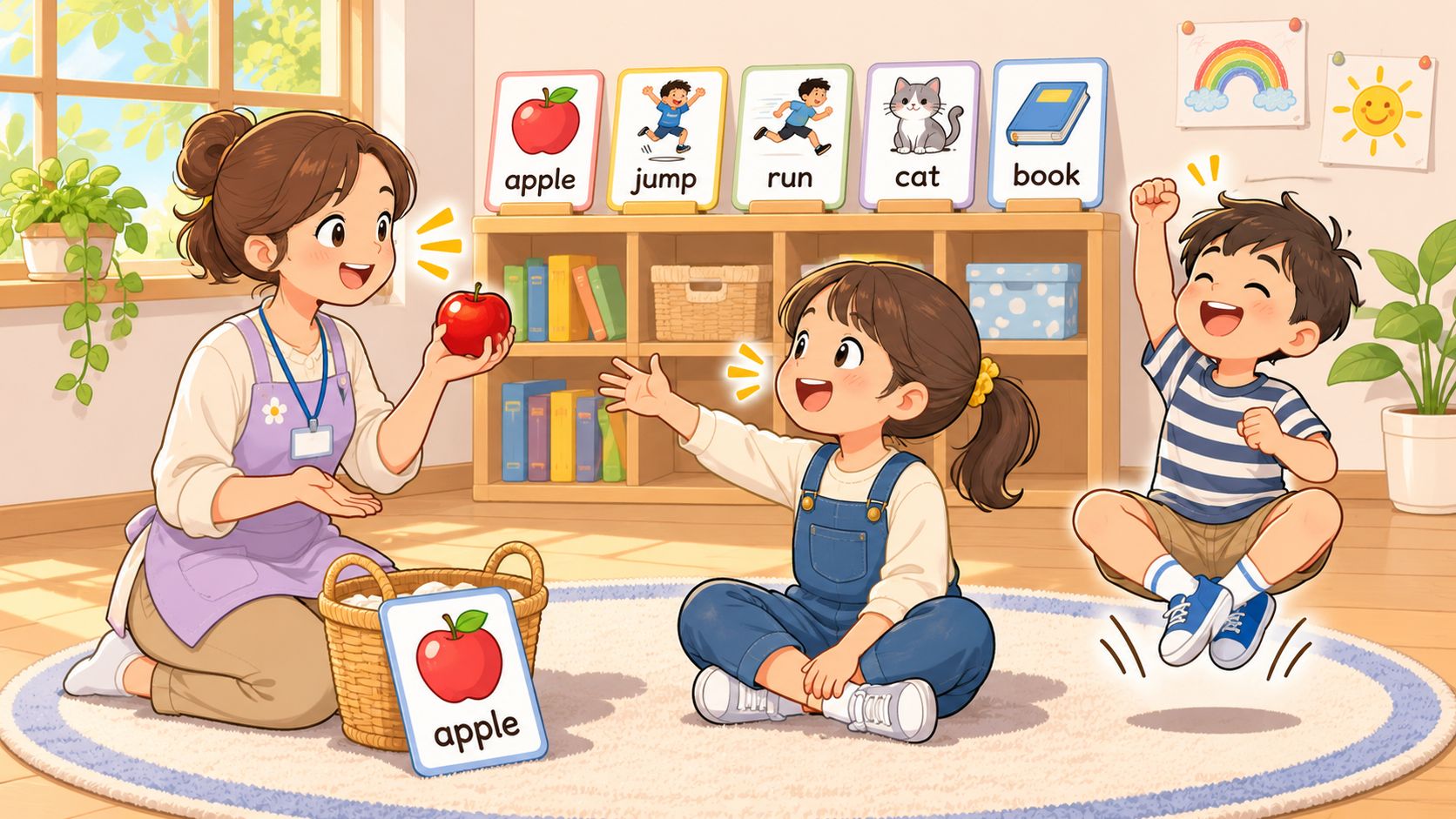
Three off-screen games
Word hunt, three steps. Say each word while showing or pointing to the object. Ask the child to find or touch it. Repeat the same words during a snack or tidy-up. The stand-in can be anything familiar from home: a cup from the kitchen, a shoe by the door, or a younger sibling's soft plush red panda toy for toddlers playing the part of an animal word. Picture cards do the same job in a classroom with no kitchen.
Point-and-say. The tutor calls one word. The child jumps, claps, or points to the matching card, then says the word. Movement works like a volume dial here: enough to make the word memorable, low enough that the spoken word stays clear and is not lost under the jumping.
Sort, note, or draw. For 7- and 8-year-olds, the same five words can be sorted into picture groups or copied onto sticky notes, and the activity stays independent and short. 9- and 10-year-olds who want more independence can sort word cards, write the words themselves, or draw one picture for each word, then teach one word back to the tutor.
Keep the set small
Revisit the same five words across three sessions before replacing any of them. Then comes the screen-free check: let the child choose one word to teach back. Touching the right card shows recognition, which is the first step. Saying the word with no prompt shows it was learned. If the child can find "shoe" but goes quiet when asked to say it, that word still needs practice, so keep it in the set for another session.
More movement and speaking ideas for home sit in these English speaking activities for kids. Run the word hunt at snack time or during tidy-up, once the screen is already away.
Try One Lesson and Keep the Routine Going
Three lines are enough to remember. Choose one activity type for the session. Reuse five words through a word hunt or a movement game. Finish with a screen-free check of whether the child can say them.
What the app is for
Talkio Kids is a beginner app for children aged 5 to 10, with short listening, picture-matching, speaking, and review activities. It builds basic everyday vocabulary and simple phrases. It does not promise fluency, and it is not a replacement for the adult in the room. New words are explained in English, Spanish, German, French, Italian, or Danish, whichever of those languages the child's family speaks at home. Every instruction and every word is spoken as well as written, and replaying audio is always one tap away, which helps a parent who would rather echo a recording than invent a pronunciation.
Nox, the alien companion, leads a space adventure so the short lesson feels like play. The learning stays on familiar topics and simple phrases. The theme is the wrapper, not the goal.
What parents usually ask first
Talkio Kids works offline. Every lesson, picture, and recording ships inside the app, progress is stored on the device, and no account or sign-in is needed. That fits a tutoring slot on a train, or a home where the connection drops. Because progress stays on that device, the notebook list from the lesson still matters if the child later opens a different phone.
Monthly and annual subscriptions exist. Eligibility for any trial, and the current prices, are shown in the app. There is no promise here of free access or a fixed price.
A practical next step is one 15-minute lesson this week: preview a few pictures, let the child try one activity, then ask for the words with the screen off. Explore Talkio Kids on the App Store, on Google Play, or at the get the app page. Further home and tutoring ideas are on the Talkio Kids blog.
Talkio Kids gives children aged 5 to 10 short, audio-led practice with everyday words and simple phrases, so a tutoring session can stay live while the app handles one brief listening or picture stage. Progress stays on the device, and a screen-free check still belongs to the adult. Visit Talkio Kids to see the activities and open the app on the store that matches the family's device.