
English learning at home
Offline English Learning Apps for Kids: 8 Picks Compared
Explore offline English learning apps for kids aged 5–10, plus simple checks for audio, beginner content and parent-friendly features.
By Talkio Kids ·
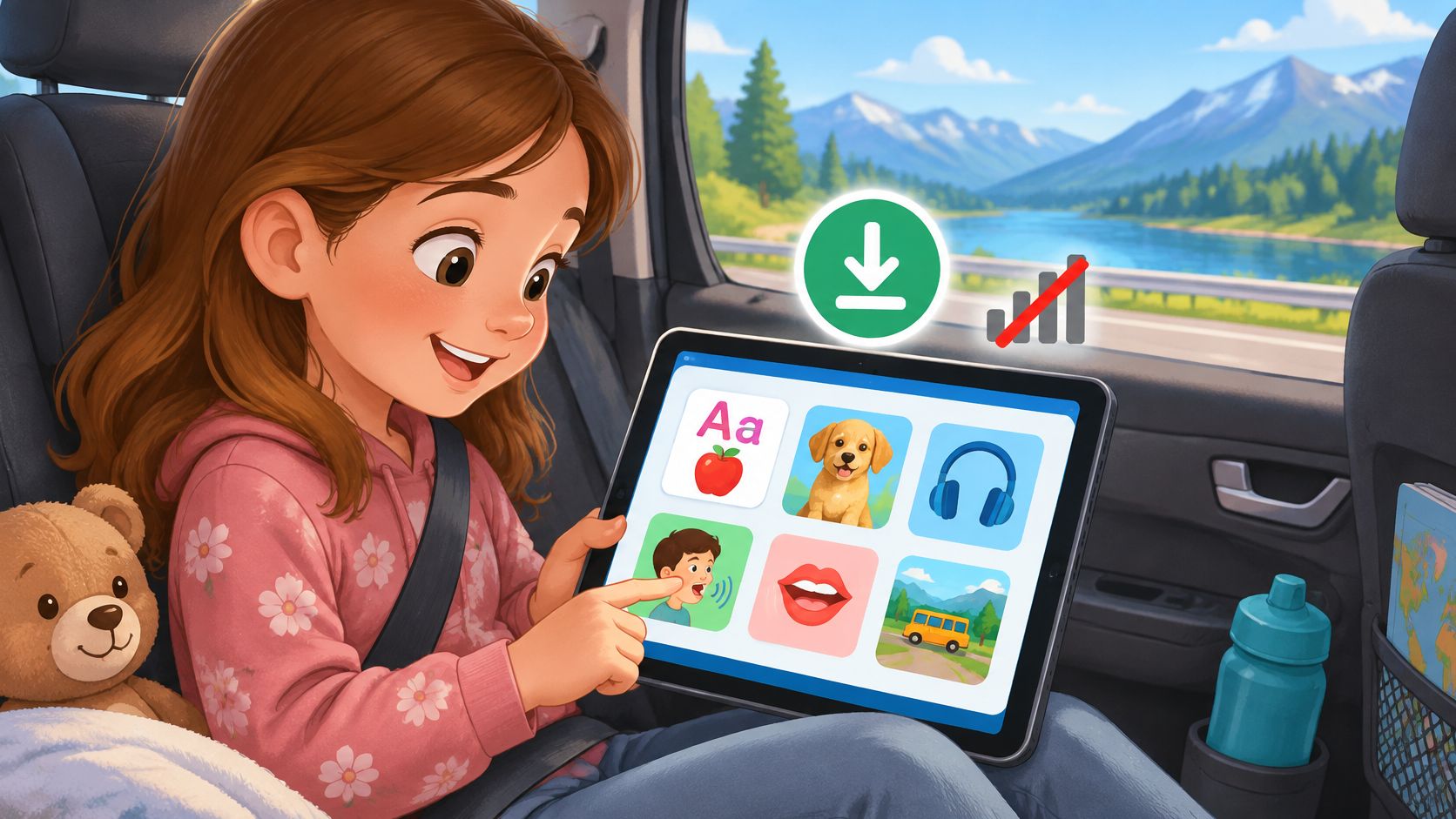
The car has left the city, the signal keeps disappearing, and a child wants to continue an English game. The app opens, but the next lesson won't load. A downloaded icon turns out to mean a saved video, not the speaking activity the child expected.
Offline access isn't the same across English-learning apps. Some include lessons, pictures and recordings inside the installation. Others require parents to download individual activities while connected, and some reserve downloads for subscribers. A child's ability to continue independently matters just as much as the download button.
For families comparing offline English learning apps for kids, the useful questions are practical:
- Before leaving signal: Does the whole course work, or only selected downloads?
- During practice: Can an older beginner use the app without reading English instructions?
- Before paying: Is offline access included, subscription-only or a separate purchase?
An older primary-school child can read confidently in a home language while knowing almost no English. That child needs accessible language instruction, not necessarily preschool-style content. Younger learners may need more help choosing activities and moving between screens.
These picks prioritise beginner practice, offline preparation and adult support, rather than promises of fluency. None replaces conversation, play or teaching. Families also using online homework tools can separately learn how to use AI safely for homework, since checking generated answers is a different task from choosing a downloadable language lesson.
1. Talkio Kids
Talkio Kids suits complete beginners who need a guided course rather than a large library to browse. Children hear English, connect words with pictures, answer simple questions and practise speaking aloud. Everyday topics include greetings, animals, colours, numbers, family and food, with vocabulary introduced gradually and revisited.
Every instruction and word is spoken as well as written, and audio can be replayed. That matters for early readers, but also for older beginners whose reading skills in their home language are ahead of their English. A parent doesn't need to translate every screen or model unfamiliar pronunciation.
Nox, the alien companion, guides the child through a space adventure. The theme supports exploration while the activities remain focused on basic vocabulary and simple phrases, not guaranteed fluency.
What actually works without signal
Every lesson, picture and recording ships inside the app. Once installation and subscription access are arranged, parents don't need to assemble a separate travel playlist. Progress stays on the device, and no account or sign-in is required.
Speaking recognition runs on the device when a compatible recognizer is available. If recognition is unavailable or permission is refused, the course remains usable through self-assessment; microphone audio and transcriptions aren't saved or uploaded.
- Learning strengths: Short listening, matching, speaking and review activities give beginners a clear next step.
- Child-facing safeguards: There are no ads, social features, open chat or open-ended AI conversations. Purchases sit behind a parent gate.
- Practical limitations: There's no cloud progress sync, multi-profile support, family plan, school dashboard or emailed report. Parents also can't set an app-controlled time limit.
For tutors, the guided activities can supplement a lesson, but local progress isn't a shared classroom record. For families, using the same device consistently avoids expecting progress to appear elsewhere.
Before departure: Complete installation and adult purchase steps while connected, then open a lesson with Wi-Fi and mobile data switched off.
Monthly and annual subscriptions are available. New profiles require active Premium access before beginning the course; current prices and any trial eligibility appear in the app.
2. Studycat – Learn English
A child who enjoys switching between games, songs and stories may prefer Studycat's wider mix of language activities. The Studycat English product page describes a guided learning path with vocabulary, listening, pronunciation, stories, songs and early-writing practice, alongside online and offline use.
That breadth is useful when picture matching alone stops holding a child's interest. It also creates a trade-off: parents should distinguish activities that build spoken understanding from those that require writing or navigating a more varied environment. A complete beginner may need help learning the controls before becoming independent.
For older beginners, the key question is not whether the app looks playful. It's whether the activity gives enough language support without feeling too young. Parents can watch whether the child follows spoken cues or repeatedly needs an adult to explain the task.
Prepare the activities, not just the installation
Studycat's offline support makes it a candidate for travel, but parents shouldn't assume every feature behaves identically without a connection. The sensible preparation is to open the intended activities while connected, then try those same activities offline. Speaking feedback deserves its own check rather than being treated as automatically equivalent to downloaded games.
- Payment trade-off: Free access is limited; full access requires payment. Any trial offer should be checked on the current platform and purchase screen.
- Adult support: Initial navigation and writing tasks may need more help than listening games.
- Learning fit: The varied formats suit families seeking broader practice rather than a vocabulary-only reference.
A useful no-purchase follow-up is to act out a familiar word after the screen closes. For an animal activity, an adult can mime the animal and let the child recall its English name. That separates remembering a word from recognising the right button.
3. Lingokids
Lingokids offers broad English-language exposure, not just a narrowly focused beginner English course. Its games, lessons, songs and videos sit alongside other learning subjects, according to the Lingokids website. That variety can help families who want English woven into a wider activity routine.
The offline distinction is important: selected activities and shows can be downloaded with Plus, while Basic doesn't include offline play. Parents therefore need both the appropriate plan and prepared downloads. Installing the app before a journey isn't enough.
A child who enjoys choosing among activities may appreciate the visual navigation and voice-over. A beginner who needs a predictable sequence may instead spend too much time browsing or pick content without understanding much of it. More choice isn't always more usable practice.
A broad library works best offline when an adult chooses a small, manageable set before leaving home.
Match the library to the learner
Younger children may need an adult to choose and start an activity. Older beginners may explore more independently, but their ability to operate the app shouldn't be mistaken for understanding the English. Parents can ask the child to point to a matching real object afterwards.
For teachers and tutors, a downloaded activity can introduce a topic or provide a listening break. It's less useful if the goal is a tightly controlled sequence of new words and phrases, unless the adult selects the content deliberately.
The main advantages are variety, prepared downloads and the company's ad-free offering. The main limitations are paid offline access, advance preparation and a curriculum that extends beyond English.
Families deciding between a broad library and a focused course can use this guide to language apps for kids to clarify which kind of practice they need.
4. LearnEnglish Kids Playtime
Stories and songs give children a reason to listen beyond getting an answer correct. LearnEnglish Kids Playtime is particularly relevant for families seeking downloadable listening material, rather than expecting every activity to form a complete offline course.
The British Council's Playtime page describes animated songs and stories, connected games and activities, downloadable videos and paid content. Its stated age range is 6–11, making it relevant to primary-school beginners, including older children who still need substantial listening support.
The strongest offline use case is straightforward: an adult downloads a suitable video while connected, checks playback, and returns to it during travel. Parents shouldn't extend that promise to the entire activity library without checking the specific content.
Turn viewing into participation
A child can watch a story without retaining much usable language. Pausing afterwards for a gesture, a familiar word or a simple action gives the adult something observable. Fluent parental English isn't necessary for pointing to a pictured animal or acting out an action from a song.
- Strongest fit: Children who enjoy repeated songs, animated stories and listening-led practice.
- Preparation needed: Individual videos should be downloaded and checked before signal disappears.
- Main trade-off: Downloadable viewing isn't the same as a fully sequenced offline beginner course, and some content requires payment.
For tutors, a familiar song can provide a shared starting point for a group activity. Children can mime the actions together, then try recalling the words without replaying the video.
Parents should also keep listening comprehension separate from reading ability. An older child may read well in a home language yet need pictures, repetition and adult explanation to follow an English story. Starting with understandable material is more useful than choosing a difficult story because the child is older.
5. Giggle Academy Learn and Play
Giggle Academy is worth considering when avoiding a subscription is a priority. The offering described through Giggle Academy combines English courses with stories, songs, flashcards, workbooks and speaking activities. Its Google Play listing describes free access without ads or subscriptions.
The offline qualification is supported content, not an assumption that every course and feature runs without signal. Families should preload the particular courses and games they intend to use. A download for one resource doesn't establish that an unrelated speaking activity will also work offline.
Its variety may appeal to older beginners who want more than a single repeated game format. However, a large collection also puts more responsibility on the adult to select a starting point and check whether the child understands the instructions.
Check permissions alongside downloads
Some activities use the microphone or speech-recognition features. Parents should review permissions and distinguish listening to a recording from having speech processed or assessed. Those are different functions, even when they appear in the same lesson.
A practical comparison can stay simple:
- Cost: The listing describes no subscription barrier, making it a useful option to investigate before paying elsewhere.
- Offline preparation: Supported resources need preloading; the intended course should be checked separately.
- Independence: A child may need help selecting suitable content even after learning how to get around.
For a tutor using shared devices, checking the downloaded lesson and microphone settings before the session is more dependable than relying on the app's general offline description. Updates can also change menus or available activities, so preparation should focus on the current installation.
Away from the device, a child can make paper flashcards for familiar objects and sort them by room, food or animal. The activity costs nothing and gives the adult a clearer view of which words the child remembers without an on-screen prompt.
6. Languakids – English for Kids
A defined route through familiar topics can reduce the daily question of what to open next. Languakids offers a structured alternative to a large activity library, with vocabulary, simple sentences, dialogues and review around home, school, family, food and animals.
The Languakids website presents a step-by-step English-learning approach for beginners and children reinforcing school English. Its listing describes offline use, with Premium required for full access. Parents should check the installed course offline before treating it as ready for travel.
The familiar themes are useful, but content fit still needs attention. An older beginner may need basic English words without needing very young-looking activities. Parents should judge the language level and presentation separately rather than assuming that beginner means preschool.
Storage and support matter
The iOS app is a large download, so available storage deserves attention before installation. Families using an older shared device should leave enough room for ordinary device operation rather than filling the remaining space immediately before a trip.
- Where it helps: A defined sequence gives parents and tutors a clearer starting point than unrestricted browsing.
- Where it needs checking: Full-course payment, offline availability and installation size should be reviewed before committing.
- Where caution helps: Limited public review history makes a short suitability check more useful than relying on reputation alone.
Parents who aren't confident English speakers should watch whether the child can understand task instructions through audio and visual cues. The important test is whether the learner can continue, not whether an adult can read the menu.
For a free follow-up, an adult can place familiar household objects together and ask the child to match them to words already practised. Families comparing reading demands, structure and adult support can use the guide on how to choose an English-learning app for kids.
7. Akelius Languages
Akelius Languages is a practical option for families and tutors seeking free, structured practice. It's designed for learners of different ages rather than exclusively for young children, so its more school-like presentation may suit some older beginners better than others.
The Akelius Languages overview describes language courses with lessons, games, songs, listening activities, tests and downloadable lessons. The developer describes free access and an ad-free learning environment. Offline use depends on downloading lessons before the connection disappears.
This makes Akelius different from an app whose complete course ships inside the installation. An adult needs to prepare the relevant lessons, and a child needs to know how to return to them. A free course still carries a preparation cost in adult time.
For shared devices: Prepare the same lesson on each device and check the starting screen before children begin.
More structure, less child-specific guidance
Older primary-school beginners may appreciate a straightforward course without a strongly character-led theme. Younger learners may need help navigating, interpreting tasks and choosing what to do next. Age alone won't settle the question; familiarity with learning apps matters too.
For tutors, downloadable lessons can support supplementary practice where connectivity is unreliable. The adult should still connect the activity to spoken use, such as asking learners to identify classroom objects or practise a familiar greeting with a partner.
The main advantages are free access, a defined course and downloadable lessons. The main compromises are advance preparation and an interface that isn't designed solely around young children's independence.
Parents shouldn't treat tests or completed screens as the only evidence of learning. A useful home follow-up is whether the child can understand a practised instruction during play or recall a word when the picture isn't already highlighted on screen.
8. Tap & Learn English
Sometimes the most useful tool is a picture dictionary rather than another course. Tap & Learn English lets children tap illustrations to hear English words, making it a different kind of choice from a guided lesson app.
The offering described by Tap & Learn English's developer stores pictures and recordings in the app for offline use. Its listing describes a one-time purchase rather than a subscription, with no account, ads or in-app purchases. Families should check current availability and the purchase terms on their device.
The simple interaction can support children who can't yet read independently. It can also suit older beginners who want to look up everyday vocabulary without working through a character-led sequence. However, an easy tap doesn't require the child to retrieve a word from memory.
Use it as a reference, then close it
A dictionary becomes more useful when an adult adds a small task. After exploring food vocabulary, the child can point to matching items in the kitchen, draw a shopping list or sort homemade picture cards.
- Offline strength: Stored pictures and recordings avoid the need to prepare individual lesson downloads.
- Payment strength: A one-time purchase avoids a recurring subscription commitment.
- Learning limitation: The app is a vocabulary reference, not a course with phrase practice, conversations and guided progression.
Parents who want speaking confidence should plan opportunities to use words together, not just hear them separately. A child who recognises apple may still need help understanding and producing a simple request involving that word.
For tutors, the dictionary can supply a listening reference during object-sorting or picture-description activities. Families can find more ways to turn recognition into active recall in this guide to a vocabulary game app. The app's relatively limited public feedback history also makes checking its fit before purchase especially sensible.
How the offline options compare for parents choosing an app
"Offline" covers two very different arrangements. Some apps carry everything on the device from the first launch, while others only work without signal if a parent downloads specific lessons, videos or courses before leaving coverage. That difference decides whether the app suits a planned trip or a spontaneous wait.
| Item | Offline access | Cost model (per listing) | Best for |
|---|---|---|---|
| Talkio Kids | Works offline; progress stored on device | Monthly or annual subscription; trial may be available | Beginner English learners aged 5–10 who need guided, audio-led practice |
| Studycat – Learn English | Online and offline use | Limited free activities; payment for full access | Young beginners seeking games across multiple English skills |
| Lingokids | Selected content downloadable with Plus | Basic plan is limited; Plus is paid | Families wanting varied early-learning content and prepared offline downloads |
| LearnEnglish Kids: Playtime | Videos can be downloaded; offline access is strongest for videos | Some content requires paid access | Children aged 6–11 who enjoy English songs and stories |
| Giggle Academy: Learn and Play | Supported courses and games can be downloaded | Listed as free, with no ads or subscription | Families seeking varied learning activities without a subscription |
| Languakids – English for Kids | Offline use listed | Premium required for full access | Young learners who benefit from a structured path and familiar topics |
| Akelius Languages | Lessons can be downloaded | Listed as free and ad-free | Families or tutors seeking structured multilingual lessons offline |
| Tap & Learn English | Pictures and audio are stored in the app | One-time purchase listed; no subscription or in-app purchases | Early readers exploring vocabulary through pictures and audio |
Reading the cost column saves surprises later. Giggle Academy and Akelius carry no payment at all, Tap & Learn asks for one purchase, and the rest rely on subscriptions or paid tiers before the full course opens. For the download-dependent apps, a few minutes of preparation on home Wi-Fi is the price of a smooth journey.
Pick the App Your Child Will Actually Open Again
A child alone in a back seat will reopen the app whose first screen makes sense without help. Match three things: English level, reading independence and the family's offline routine. A beginner who needs a clear next step does better with a guided course. A child who loves songs may return willingly to downloaded videos, while a curious older beginner may prefer a picture dictionary or a more school-like path.
Age and English proficiency are not the same thing. An older primary-school learner can need the simplest vocabulary yet still want presentation that respects their age and lets them work alone. A younger child may use the same audio support but need an adult nearby to start and finish each activity.
Judge learning away from the screen
Offline access alone does not make an activity educational. The OECD's guidance on children in the digital age emphasises that outcomes depend on the activity and context, rather than treating digital use as automatically beneficial or harmful.
Parents do not need a dashboard to notice progress. A practised word recognised during a meal, a familiar instruction followed without prompting, or a simple phrase volunteered during play says more than completion totals.
A manageable routine that includes remembering and using English is more useful than a large download library that nobody returns to.
Before committing, try the available activities while still on Wi-Fi, watch whether the child moves between screens alone, and download the exact content meant for the trip. Subscription terms, renewals and purchase controls deserve adult attention before the device goes into a travel bag, and tutors should confirm that local-only progress and shared-device use fit their setting.
Talkio Kids suits the child who needs a guided first course. It works offline with no account, stores progress on the device, and is built so a child can use it without sending personal information. Nox leads a calm space journey with no hearts, lives or harsh buzzers, so a wrong answer means try again rather than stop. Speaking practice is recognised on the device, stays optional, and the course remains usable if microphone permission is refused. New profiles require an active Premium subscription before the course begins; eligible new subscribers can try the complete course free for seven days, with eligibility and current prices shown in the app. Review those terms while connected, not after departure.
Families weighing children's tools against the wider market can also compare learning apps for 2026, while keeping a child's navigation and reading needs separate from adult-language priorities. For a beginner-focused option, parents can explore Talkio Kids and download it from the App Store or Google Play.
For a calm, guided start to beginner English that keeps working without Wi-Fi, visit Talkio Kids to review the app and subscription options before the next journey.