
English learning at home
10 Language Apps for Kids: A Parent's Guide for 2026
Compare 10 language apps for kids aged 5–10 by age fit, beginner needs, offline use and learning features, with easy activities to try at home.
By Talkio Kids ·
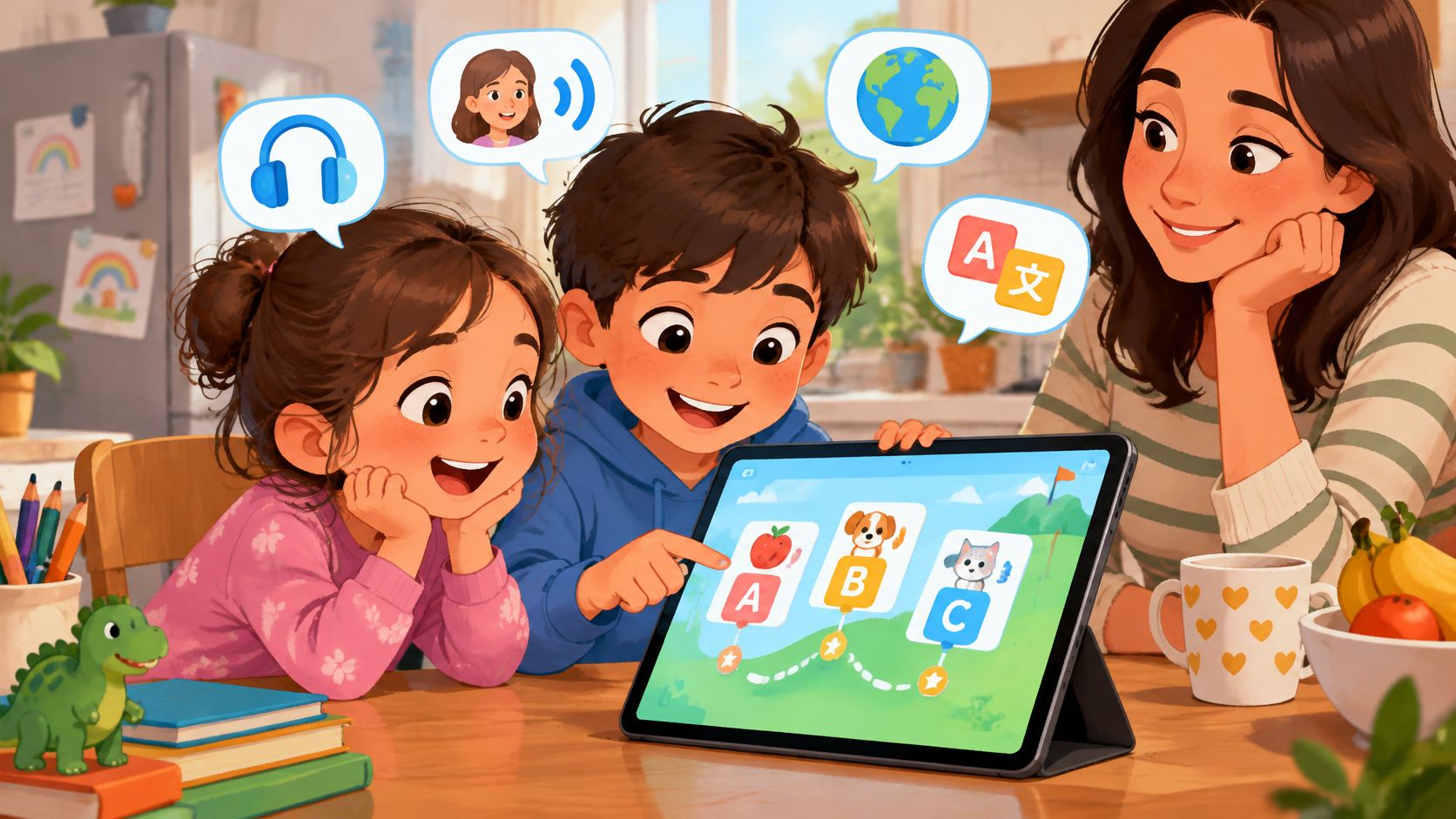
Does a child need a starter app, a literacy tool or a full library? Parents comparing language apps for kids often meet the same problem: products grouped by age can ask children to do very different things.
A child who reads confidently at home may still know no English. An older beginner may need picture-supported listening, not harder worksheets. A younger learner may recognise spoken words but still need an adult to explain where to tap. English proficiency, reading ability and independence aren't the same skill.
The most useful comparison starts with the job each tool will do:
- Starter app: Introduces spoken words, pictures and simple phrases without assuming English knowledge.
- Literacy tool: Helps children connect sounds, letters and written stories.
- Learning library: Offers songs, books, games and other subjects, with more choice for families to manage.
Parents don't need fluent English to make practice useful. Pointing, taking turns and acting out familiar words can turn a device activity into shared communication. The playful communication ideas from Playz offer additional ways to carry that interaction beyond the screen.
The options below aren't ranked by popularity. Each suits a different starting point, level of adult support and home routine. Offline access also needs a close look: an app that downloads selected videos isn't necessarily an app whose whole course works without internet.
1. Talkio Kids
Talkio Kids suits complete beginners who need spoken instructions, clear pictures and a manageable starting point. It builds everyday vocabulary and simple phrases through listening, picture matching, speaking and review, rather than promising fluency.
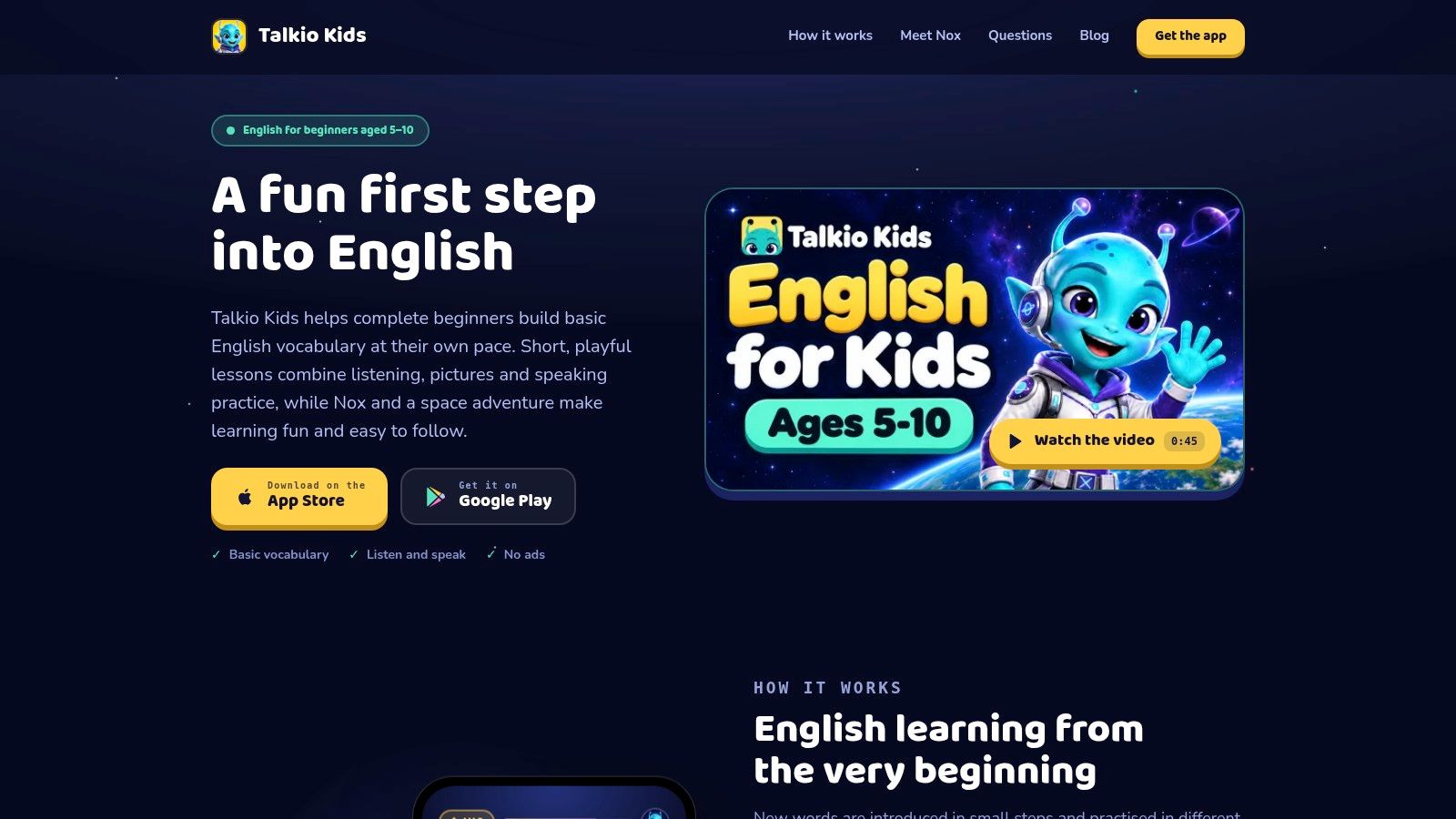
Children hear English, connect words with pictures, answer simple questions and practise saying words aloud. Familiar topics include greetings, animals, colours, numbers, family and food. Nox, a friendly alien companion, guides the space adventure without replacing the language practice.
Every instruction and word is spoken as well as written, with audio replay available in a tap. That matters for early readers and older children starting English from zero. The surrounding app supports English, Spanish, German, French, Italian and Danish, with new words explained in the selected home language.
Where it fits, and where it doesn't
- Useful independence: Lessons work offline, progress stays on the device, and no account is needed.
- Calm safeguards: There are no ads, social features, open chat or open-ended AI conversations. Purchases sit behind a parent gate.
- Speaking choice: Microphone activities are optional. Speech recognition happens on the device, and microphone recordings aren't saved or uploaded.
- Practical limits: There's no cloud sync, family plan, multiple-child support, school dashboard, emailed report or parent-set time limit.
Monthly and annual subscriptions are available, and an active subscription is required before starting the course. Eligible new subscribers can try the complete course free for seven days; eligibility and current prices appear in the app. Product details are available on the Talkio Kids website.
Home activity: After an animal activity, a parent can draw a cat and dog, name each, then invite the child to point or repeat. Older beginners can add a phrase such as a small dog.
2. Studycat Learn English
For families wanting a dedicated English course rather than a general learning library, Studycat is a focused alternative. Its activities combine everyday vocabulary and expressions with games, songs, stories, listening challenges and speaking practice.
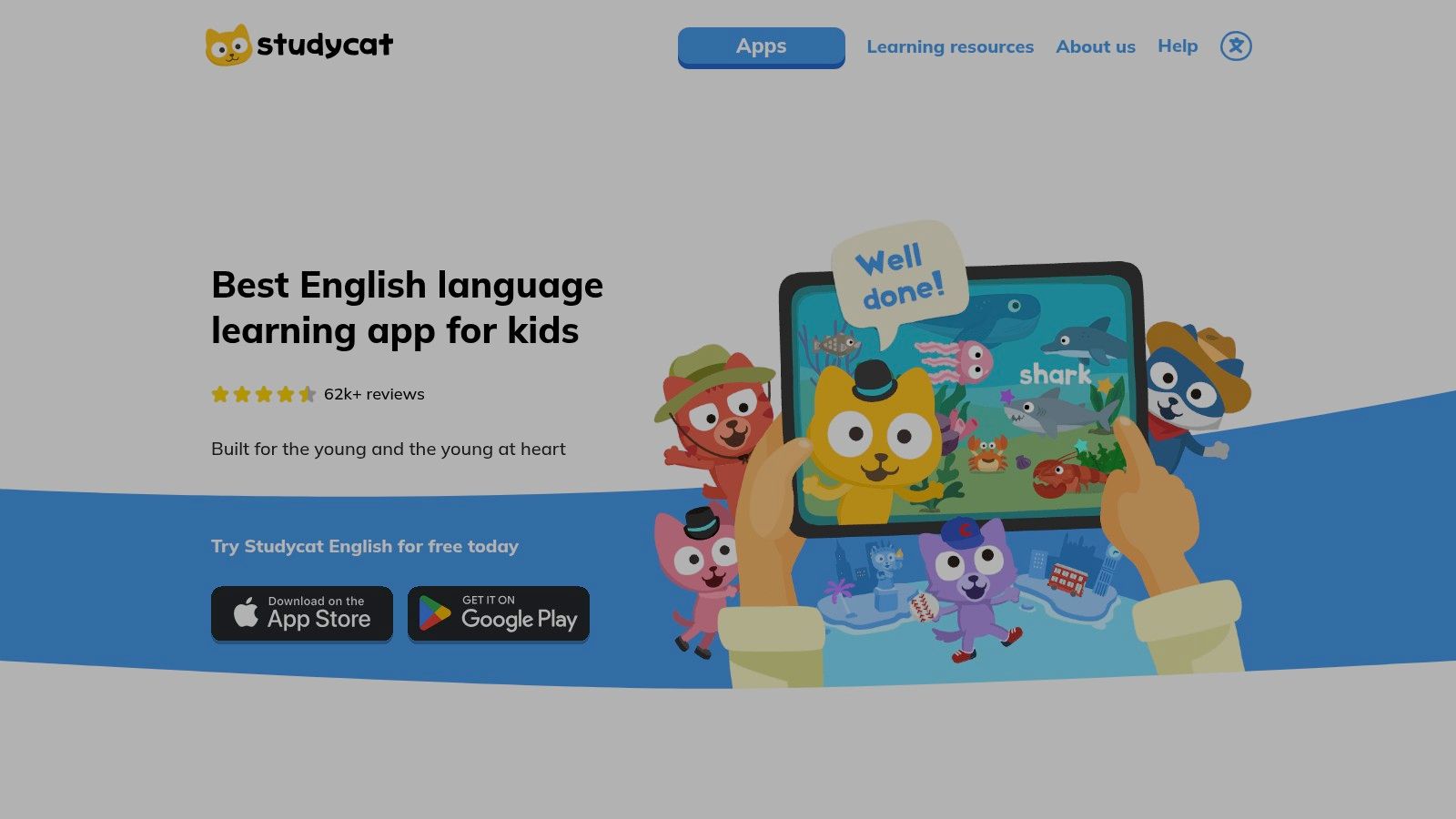
The Studycat English product page describes its game-based approach, offline use and learner-profile options. Those features make it worth considering when siblings need separate learning paths or a family regularly practises away from reliable internet.
The key question is whether a child understands the game as well as the English. Immersion can keep attention on the target language, but an unfamiliar instruction or game mechanic can leave a beginner guessing.
Practical rule: A correct tap doesn't always mean a child understood the word. Change the picture or bring out a real object before treating a game result as learning.
For younger learners, an adult should explore the opening activities alongside the child. Older beginners may manage navigation independently, but parents should still check that the presentation feels appealing rather than too young. Most curriculum access requires payment, so subscription terms deserve a careful read.
Home activity: Put familiar household objects on a table. A parent names an object, the child points, and then they swap roles. Drawing the objects works just as well without any app.
3. Lingokids
Lingokids makes more sense for families seeking variety than for those seeking only English. Its library combines vocabulary, pronunciation, literacy and listening with subjects such as maths, science, music and life skills.
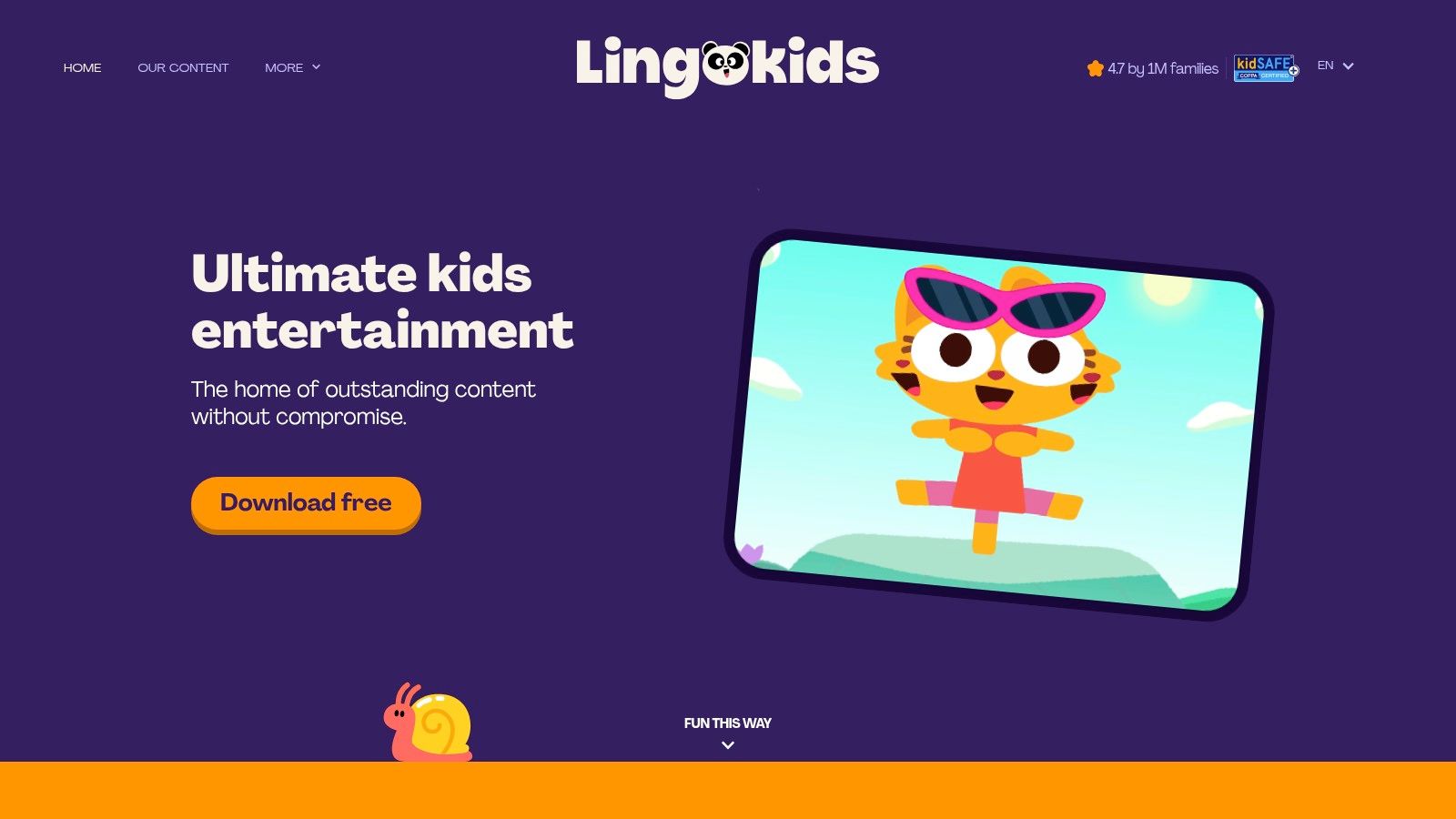
Games, songs, videos, audiobooks and guided lessons give families several ways to approach a topic. The Lingokids website explains its broader early-learning offering, including paid-plan offline access, child profiles and progress information.
Variety needs a small plan
A large library can help when a child enjoys switching between songs and games. It can also make a simple English routine harder to maintain if the child spends most of the session browsing.
- For younger learners: A parent can select a listening activity before handing over the device.
- For older beginners: Topic interest matters. A child may enjoy a science activity but still need help understanding its English.
- For focused practice: Choose a theme and revisit it across formats instead of opening unrelated activities.
Lingokids is aimed at younger children, so parents of older primary-school learners should consider presentation as carefully as difficulty. Full access requires a subscription, and limited access won't necessarily show the whole learning path.
Home activity: Choose food as a theme. Draw apples, bread and milk, then let the child plan a pretend picnic by pointing, naming or grouping the pictures.
4. Dinolingo
A multilingual household may need something different from a single-language starter. Dinolingo offers a broad language library, including English, with videos, games, songs, stories, audiobooks, flashcards and printable materials.
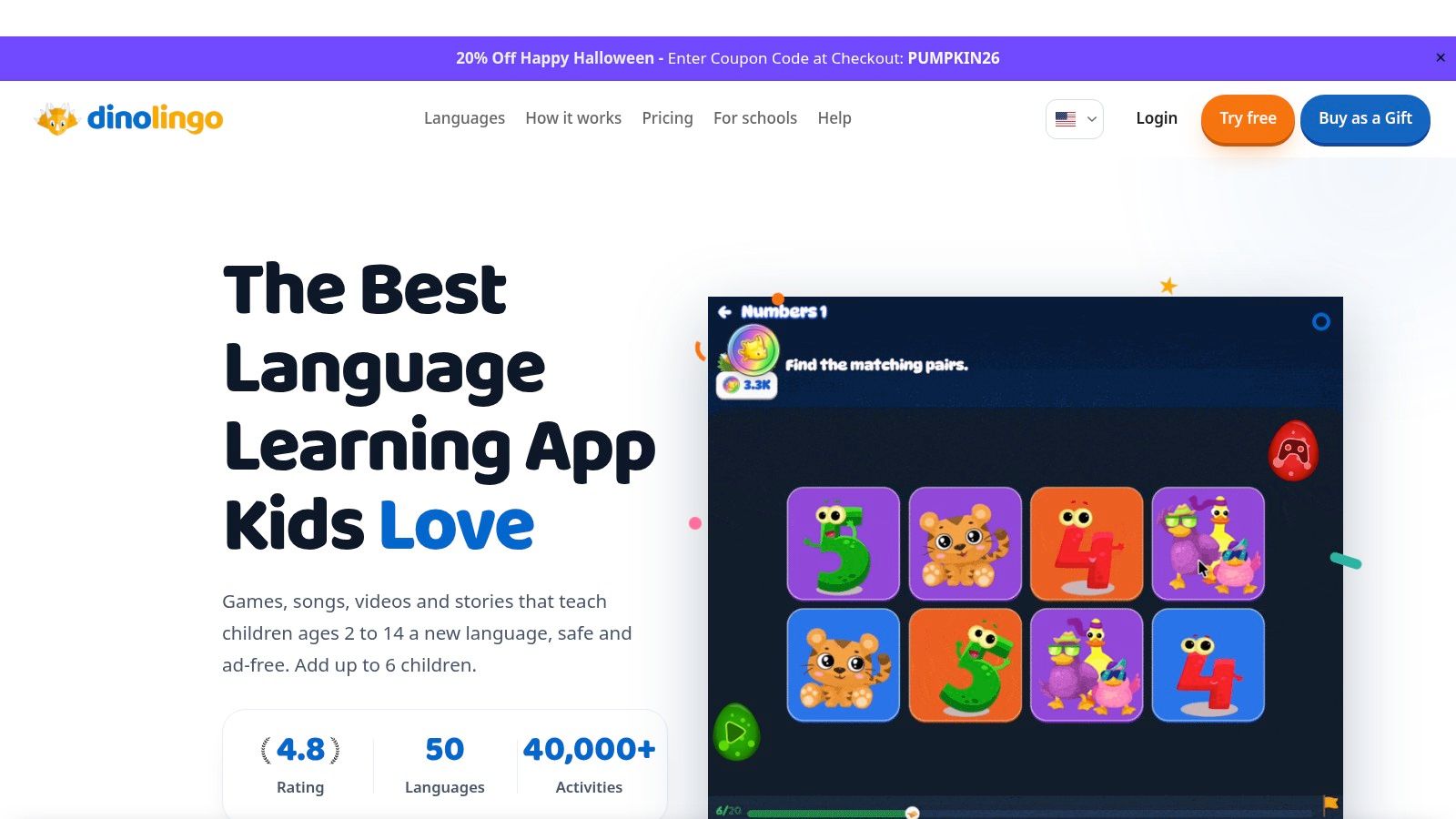
The Dinolingo website describes its language courses and family subscription. Downloadable content can support offline practice, but parents should distinguish downloaded materials from the service as a whole.
Its strongest practical advantage is flexibility. A child who dislikes quizzes may prefer a song, while another may enjoy flashcards followed by a printable task. Teachers and tutors can also select a theme to reinforce classroom vocabulary.
A library still needs a starting point
The trade-off is adult organisation. A beginner may not know which activity to choose next, and moving between formats doesn't automatically create a sequence.
For an older beginner, let interests guide the theme while keeping the English simple. Animals, meals and daily routines can remain age-appropriate when the task involves sorting, planning or describing rather than only naming. The guide to choosing a vocabulary game app offers another way to judge whether a game asks for meaningful recall.
Home activity: Make a pretend shop using empty food packaging. The child can point to an item, name it or practise a short request, with the adult acting as shopkeeper.
5. EWA Kids
A child who enjoys illustrated books may prefer EWA Kids' combination of vocabulary, stories and speaking material to an app built mainly around quick games. Adapted children's books with translation support offer a way to explore meaning without guessing every unfamiliar word.
The EWA Kids website introduces its children's English offering. Vocabulary flashcards and pronunciation examples can support a reading session, but a book-based format still needs to match the child's actual English level.
For older beginners, this distinction matters. Strong reading skills in a home language won't make an English story easy if nearly every word is new. A younger child may also need an adult to use the reading tools.
- Useful strength: Translation can clarify a word and help families move forward.
- Main trade-off: Constant translation can interrupt the story and leave little room for listening or recall.
- Purchase consideration: Full access requires a subscription. Parents should review the renewal terms and any emailed progress communications.
A sensible starting point is a picture-rich passage with familiar objects and a repeatable phrase. Finishing the whole book matters less than understanding a small part well.
Home activity: A parent and child can use any illustrated book, including a library book in their home language. They choose a picture, name familiar objects in English and invent a short spoken caption.
6. Novakid Jr Kids English
Novakid Jr is worth considering when short, speaking-focused activities are the priority. Its beginner activities centre on vocabulary, phrases and pronunciation through interactive lessons and games.
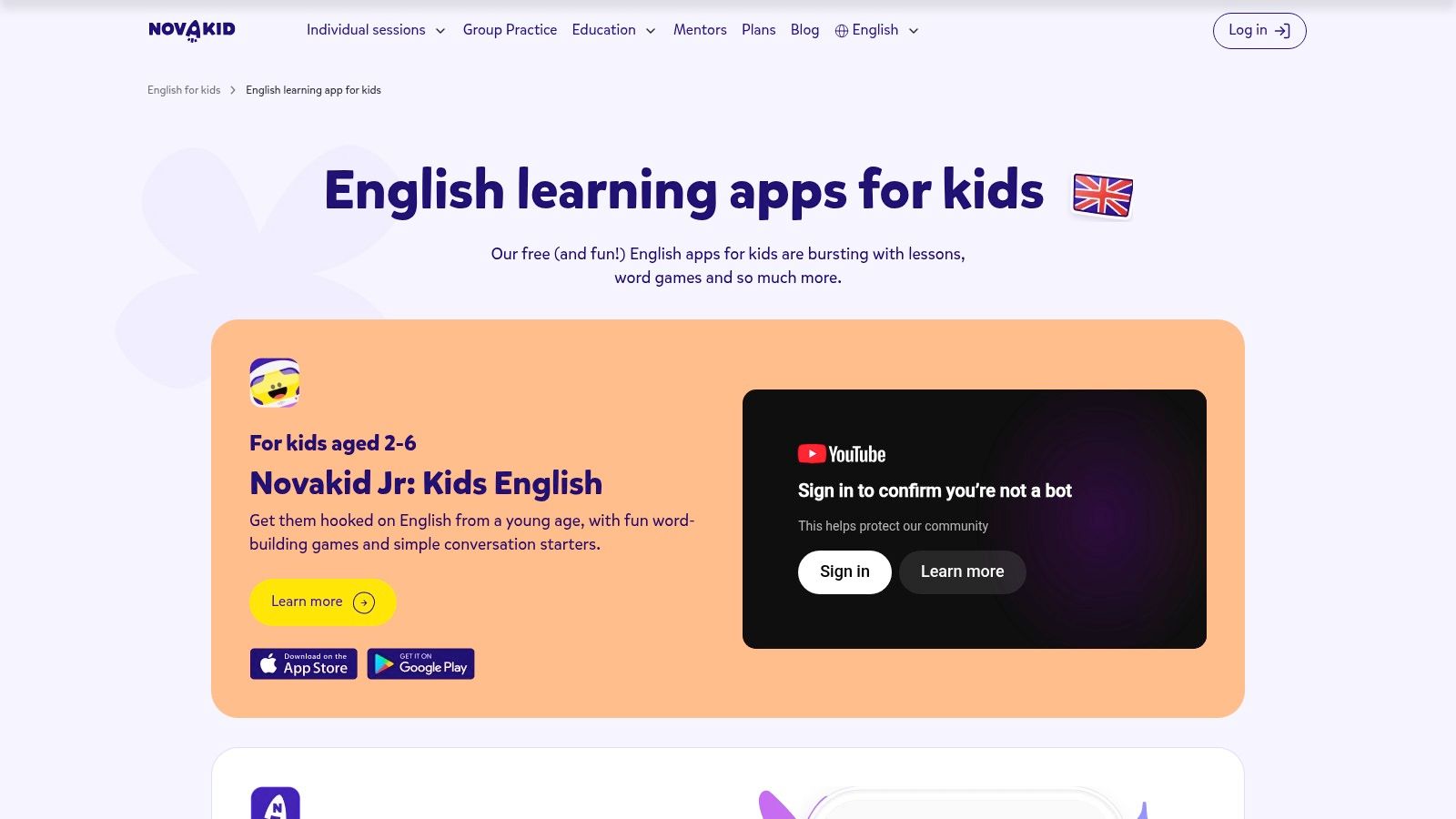
Novakid describes the curriculum as CEFR-aligned on its English-learning app page. That describes curriculum organisation, not a guarantee that a child will achieve a particular proficiency level.
The younger presentation deserves attention when choosing for an older beginner. Simple English may be exactly right, while the characters, rewards or activity style may not be. Parents should judge those separately rather than moving a child into harder content merely because it looks more grown-up.
A child can need beginner English without needing a preschool-style experience.
Speaking features also raise practical questions about microphone permissions and the environment. Background noise, reluctance to speak and unfamiliar pronunciation can all make a spoken task less useful on a particular day. Parents should review the privacy information and regional product listing before relying on a feature.
Offline access shouldn't be assumed without confirming the current app's capabilities. A travel routine needs a genuinely available activity, not merely a downloaded app icon.
Home activity: Play a gesture game with familiar action words such as jump, sit and wave. The adult demonstrates first, then the child chooses an action for the adult to perform.
7. LearnEnglish Kids Playtime from the British Council
Songs and stories suit children who like hearing the same language again. LearnEnglish Kids Playtime is a listening-led supplement, with animated material and activities involving speaking, reading and grammar.
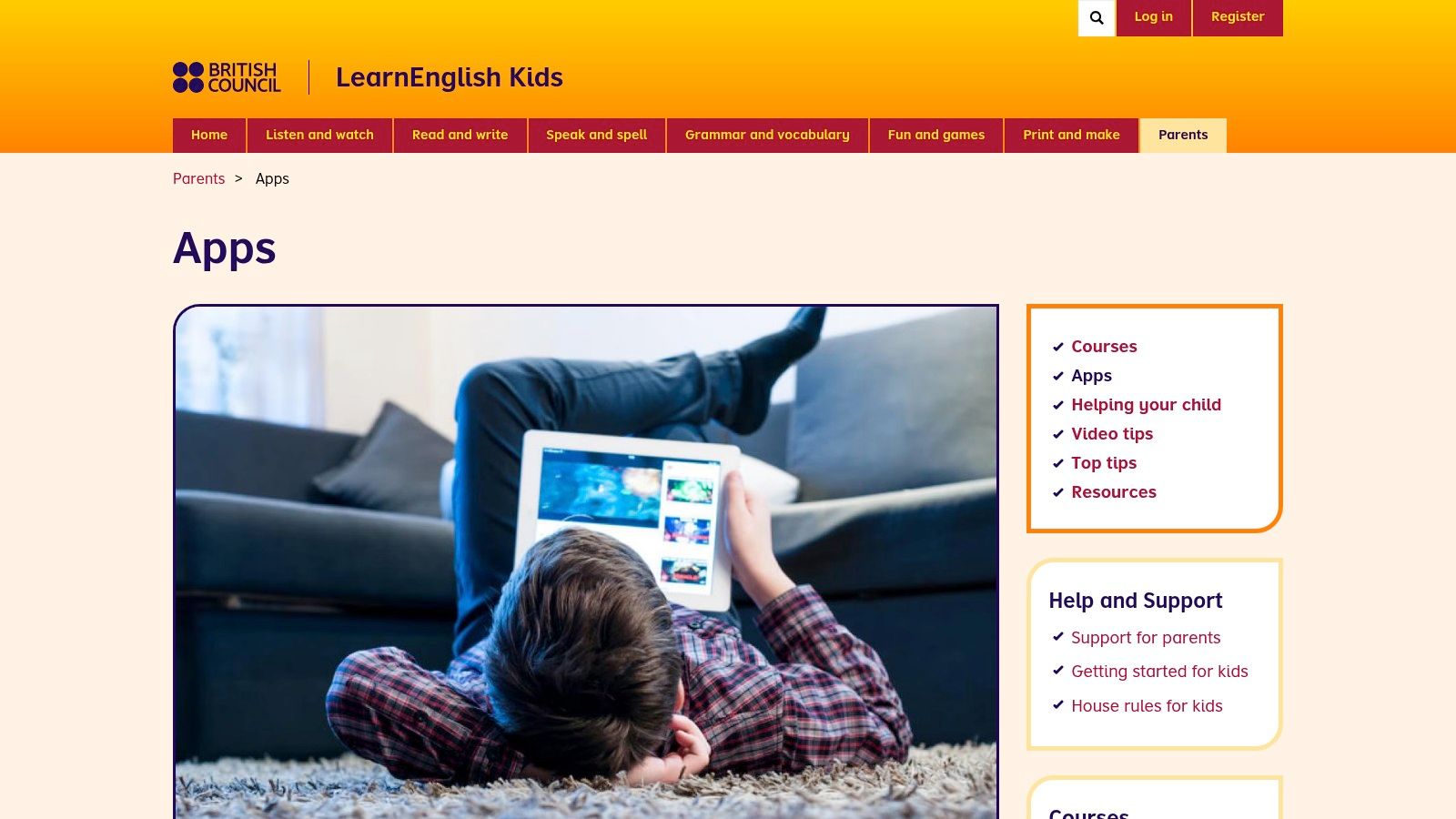
The British Council apps page provides product information. Downloadable videos support offline viewing, while optional subtitles let families adjust how much written English appears.
Make viewing active
A video-led tool works better as practice when children do something with the language. The British Council's parent tips recommend songs, stories and playful vocabulary activities as ways to support listening and pronunciation.
Early readers can focus on pictures, actions and repeated sounds. Older beginners can predict what happens next or retell a familiar moment using simple English. Neither group needs to understand every line before enjoying the story.
The limitation is sequence. A collection of songs and videos may supplement a beginner course more naturally than replace one. Subtitles also won't solve comprehension difficulties for a child who can decode letters but doesn't yet know the words. Parents building a routine can use the guide to teaching a child English at home alongside selected listening activities.
Home activity: Choose a familiar song, add gestures and pause before a repeated word. The child can supply the action, the word or both.
8. Gus on the Go
Gus on the Go has a deliberately narrower job: introducing first vocabulary. Its language-specific apps use illustrated lessons, spoken words, reviews and games rather than a large cross-subject library.
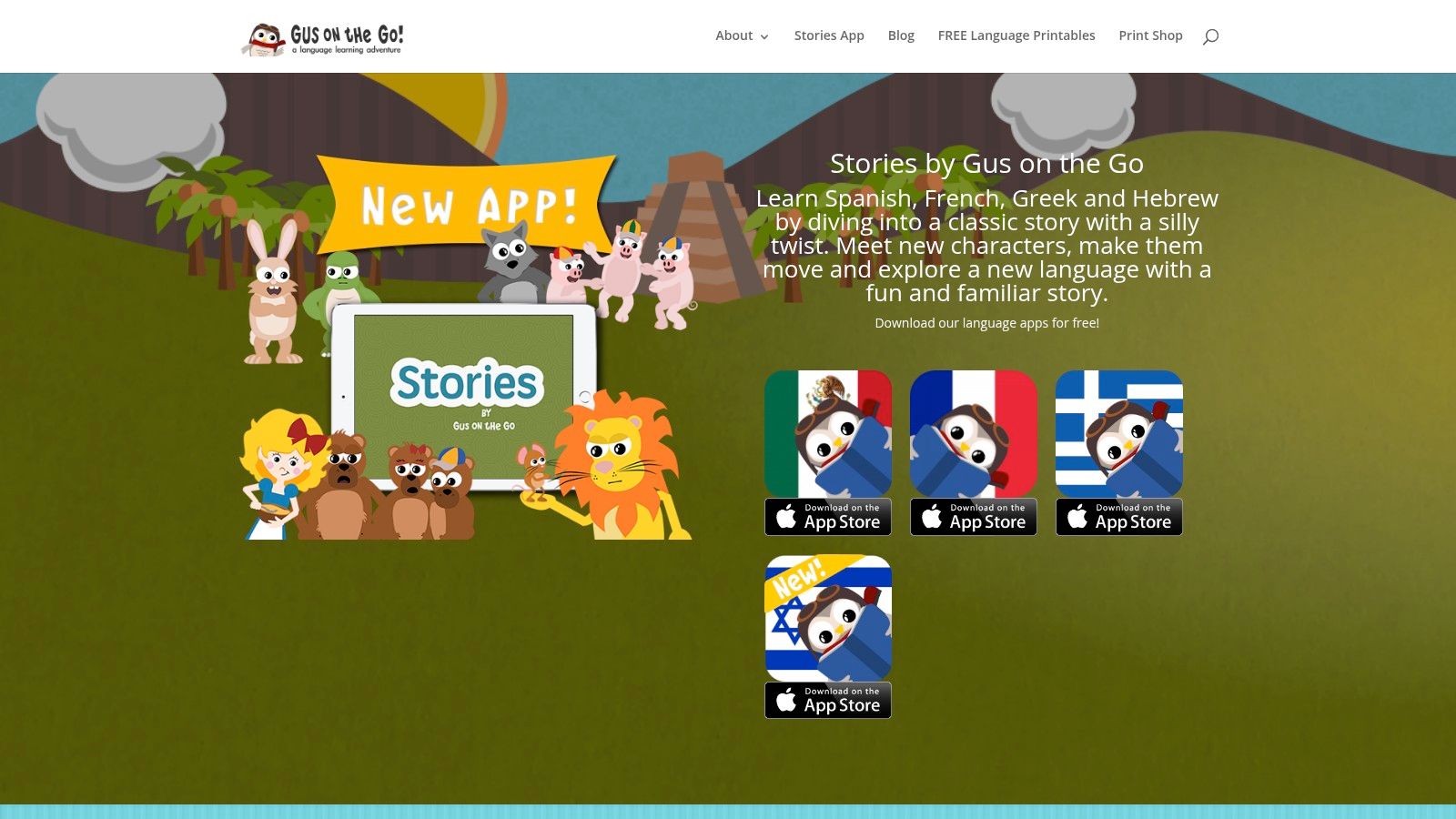
The Gus on the Go website presents the available language editions, including English. Familiar topics such as animals, food, colours and clothing make the starting point easy for adults to understand.
That limited scope can be helpful. A parent looking for a small vocabulary starter may not want a library with endless choices or an ongoing learning programme.
- Good fit: Children who benefit from pictures, clear audio and familiar categories.
- Age consideration: Older beginners may use it for first words, provided they're comfortable with the visual style.
- Main limitation: A finite vocabulary collection isn't a complete speaking, reading or grammar course.
- Buying detail: Language editions are separate, so the English edition's current listing and purchase terms matter.
Parents shouldn't assume offline support or payment arrangements are identical across every edition and device. Those details need confirming before choosing it for travel.
Home activity: Sort clothes into groups, then introduce English names for selected items. An older child can organise an imaginary suitcase and describe what belongs inside.
9. Read Along by Google
Read Along belongs in the literacy category, not the complete-beginner conversation category. Its reading companion listens as children read aloud and provides help with words.
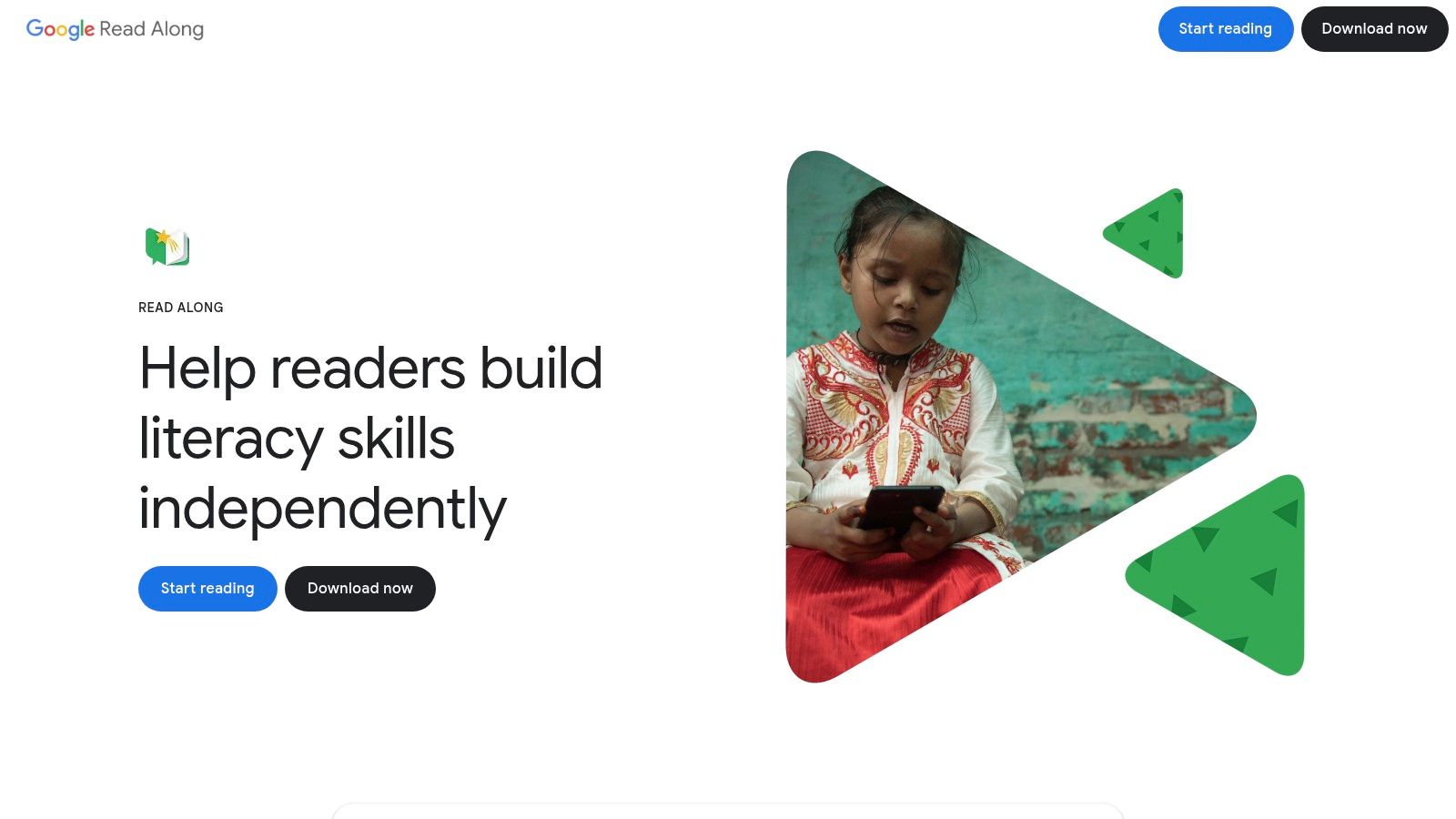
The Read Along website explains the reading experience. Its Android app offers stories and word games, works offline after the initial download, and is free without ads or in-app purchases.
A child who recognises English letters and understands some everyday vocabulary may be ready for supported reading. A child who knows neither needs more listening and meaning-building alongside, or before, independent text practice.
Reading aloud isn't the same as understanding
A child may pronounce a sentence without knowing what it means. Parents can ask the child to point to a matching picture, act out the sentence or explain its meaning in the home language.
Google describes on-device voice processing, with limited circumstances in which voice data may be sent temporarily for recognition. Families should read the current privacy details, particularly before independent microphone use. The web experience also has different requirements from the Android app.
For teachers and tutors, it can supplement supported reading rather than replace discussion. These English-learning story ideas can help connect a text with listening and conversation.
Home activity: After a short story, the child draws a favourite moment. The adult helps name objects or build a simple caption.
10. Khan Academy Kids
Families wanting a broad, no-subscription learning resource may appreciate Khan Academy Kids, particularly for phonics, read-aloud books and early literacy. It also includes maths and social-emotional activities.
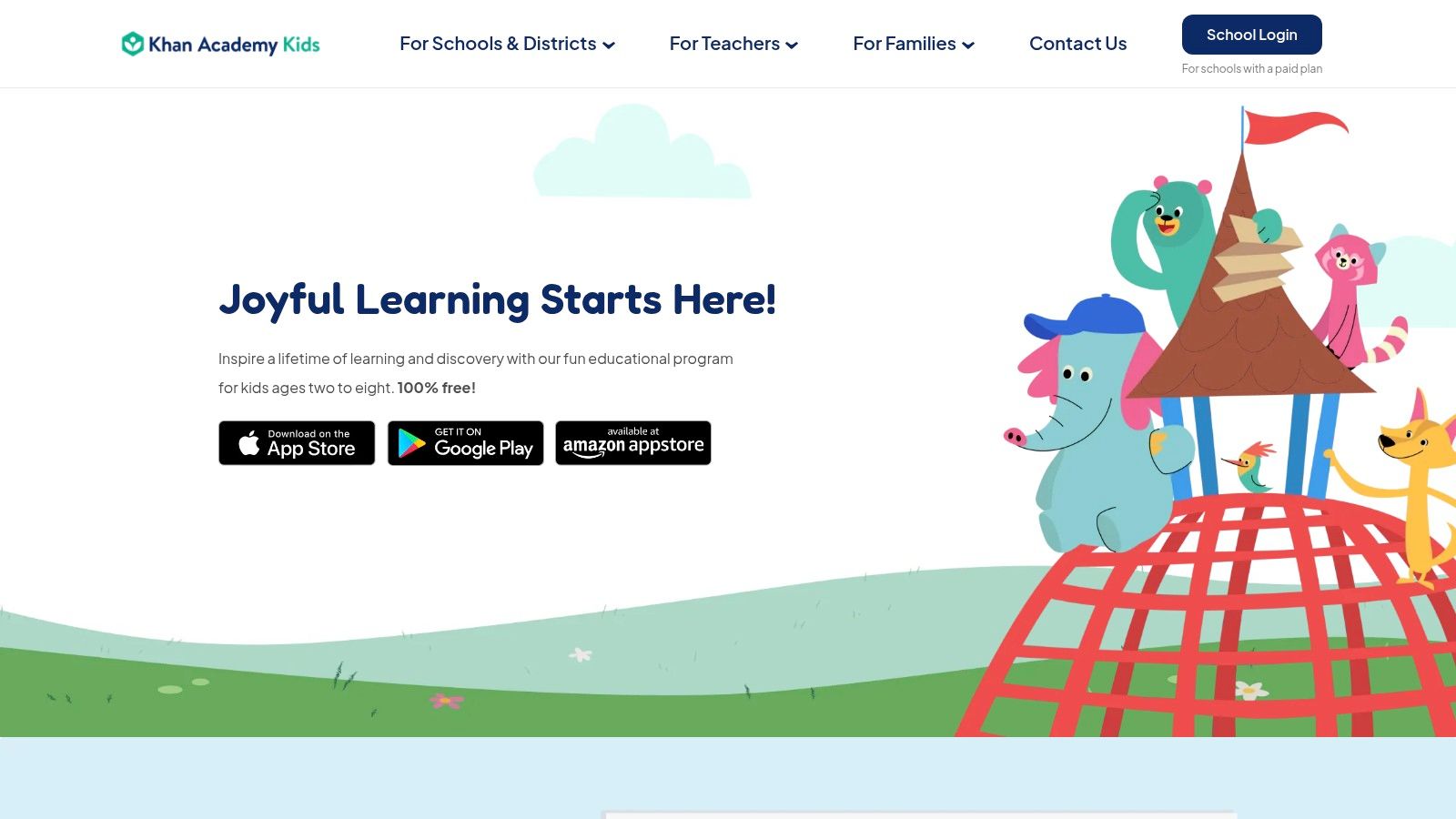
The Khan Academy Kids website describes the free, ad-free app and its guided learning approach. It isn't specifically an English-as-a-new-language course, so its breadth shouldn't be confused with a beginner English sequence.
A child who already understands everyday spoken English may benefit from literacy practice. A complete beginner may need an adult to explain the activity and establish the meaning of words before working with their sounds.
Useful distinction: Phonics helps children connect letters and sounds. It doesn't, by itself, explain what unfamiliar English words mean.
Its younger focus is another trade-off. Older beginners may need equally simple language presented through interests and activities that feel appropriate for primary-school children.
For supplementary teaching, an adult can select a read-aloud book, introduce key vocabulary and connect it to classroom objects. Independent browsing is less useful when the child can't understand enough English to follow the task.
Home activity: Make a picture sequence about an everyday event, such as packing a bag. The child arranges the pictures while the adult supplies familiar English words and short phrases.
How the Ten Options Compare on Age Fit, Offline Use and Pricing Model
| Item | Main Age Guidance | Offline Use | Pricing Model |
|---|---|---|---|
| Talkio Kids | Ages 5–10; complete beginners | Lessons work offline | Monthly or annual subscription; eligible new subscribers may get a 7-day trial |
| Studycat, Learn English | Young beginners; specific ages not stated | Available offline | Subscription; most curriculum requires payment |
| Lingokids | Ages 2–8 | Offline mode on paid plan | Limited free access; subscription for full access |
| Dinolingo | Children; specific ages not stated | Some downloadable content | Family subscription |
| EWA Kids | Ages 5–12 | Not specified | Subscription for full access |
| Novakid Jr: Kids English | Younger children; specific ages not stated | Not specified | Pricing not specified |
| LearnEnglish Kids: Playtime, British Council | About ages 6–11 | Downloadable videos for offline viewing | Pricing not specified |
| Gus on the Go | Children; specific ages not stated | Not specified | Many language editions use a one-time purchase |
| Read Along by Google | Children who know basic letters; specific ages not stated | Works offline after initial download | Free; no ads or in-app purchases |
| Khan Academy Kids | Ages 2–8 | Not specified | Free; no ads or subscription |
Choose the Fit That Matches a Child's Stage
The most useful choice answers three questions: How old is the child, what English do they know, and how independently can they use the tool? Age helps with interests and presentation. It doesn't establish language proficiency.
An older beginner may need the same first words as a younger learner but a different task. A younger child might point to food pictures, while an older child plans a menu or sorts ingredients for a pretend meal. Both can practise beginner English without being treated as the same age.
Test the activity, not just the attraction
During an opening session, a parent can notice whether the child understands the instructions, uses the audio and connects words with meaning. Enjoyment matters, but tapping quickly or collecting rewards isn't enough evidence of learning.
- For a starter app: Look for understandable audio, clear pictures, repetition and manageable phrases.
- For a literacy supplement: Check whether the child understands enough spoken English to make the text meaningful.
- For a broad library: Select a theme beforehand so browsing doesn't replace practice.
The evidence supports realistic expectations. A meta-analysis of mobile language-learning games found stronger support for vocabulary and pronunciation than for several broader language outcomes. That doesn't prove any named app will produce fluent speech.
A short shared routine is a sensible starting point. The British Council's practical guidance suggests sessions of about 10–20 minutes, adapted to concentration and English ability, with familiar warm-ups, language practice and playful activities.
The best fit may therefore be a starter app, a literacy supplement or a broader library. Trying a small activity together before committing can reveal more than a long feature list. A parent who isn't confident in English can still point, gesture, replay audio and welcome a partial answer.
For families considering the featured beginner option, explore Talkio Kids and review subscription eligibility and current terms before purchasing. Downloads are available from the App Store and Google Play, with further home-practice ideas on the Talkio Kids blog.
Talkio Kids offers short listening, picture-matching, speaking and review activities for complete English beginners, with offline lessons and no account, ads or chat. Parents seeking a clear starting point among language apps for kids can visit Talkio Kids to explore the app and choose a subscription inside it.