
English learning at home
English Learning Games for Kids: 8 Apps to Try at Home
Explore 8 English learning games for kids aged 5–10, with listening, matching and speaking ideas parents can try at home, plus tips for choosing an app.
By Talkio Kids ·
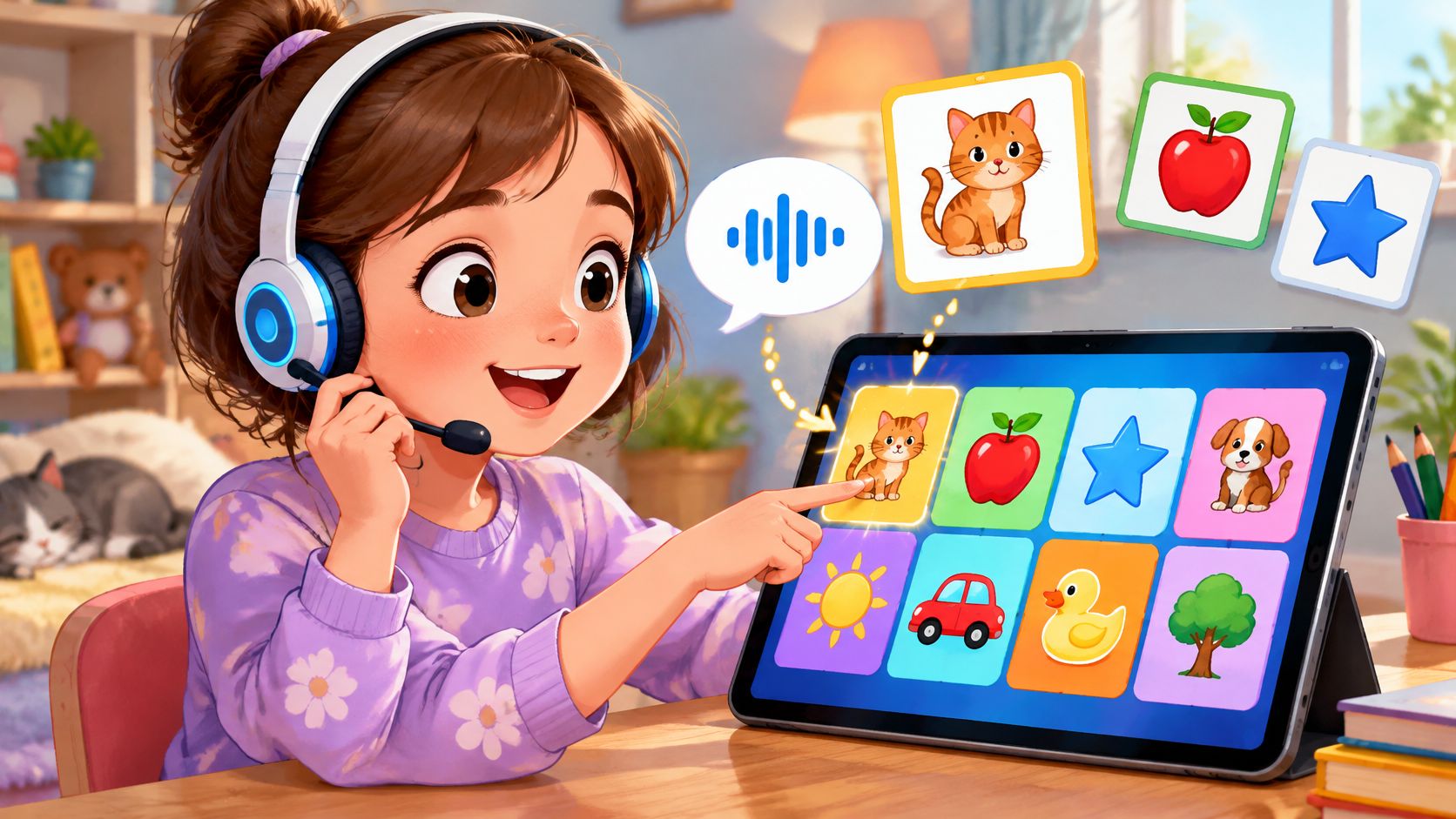
It's Tuesday evening. A seven-year-old has just started English at school, feels shy about speaking, and wonders why other children already know words such as cat and blue. A parent opens an app store and finds colourful games, subscription offers, and promises that are difficult to compare.
The useful question isn't which app has the most activities. It's which tool gives that child an understandable first step: hearing a word, connecting it with a picture, and having a gentle chance to respond.
English learning games for kids should match both English proficiency and age. A child who reads confidently in another language may still need beginner English audio. A nine- or ten-year-old may need the same starting vocabulary as a younger learner, but prefer different themes and more independence.
A complete English beginner isn't necessarily a beginning reader. Parents should choose language difficulty and age appeal separately.
The options below include dedicated language apps, broader learning platforms, and a free website. Each includes a suggested five-minute home activity, an age and reading-level match, and practical checks before payment. These activities are starting points, not a prescribed learning dose or a promise of results.
Parents don't need to become English teachers. A replay button, a few familiar objects, and a willingness to accept pointing before speaking can make the first attempt manageable.
1. Talkio Kids
Talkio Kids focuses on everyday vocabulary and simple phrases for complete beginners aged 5–10. Children listen, connect words with pictures, answer simple questions, practise speaking, and revisit words through review activities. Familiar topics include greetings, animals, colours, numbers, family, and food.
Nox, a friendly alien companion, guides the child through a space adventure. The learning stays calm: there are no hearts, lives, or harsh buzzers, and children can replay instructions or try again without getting stuck.
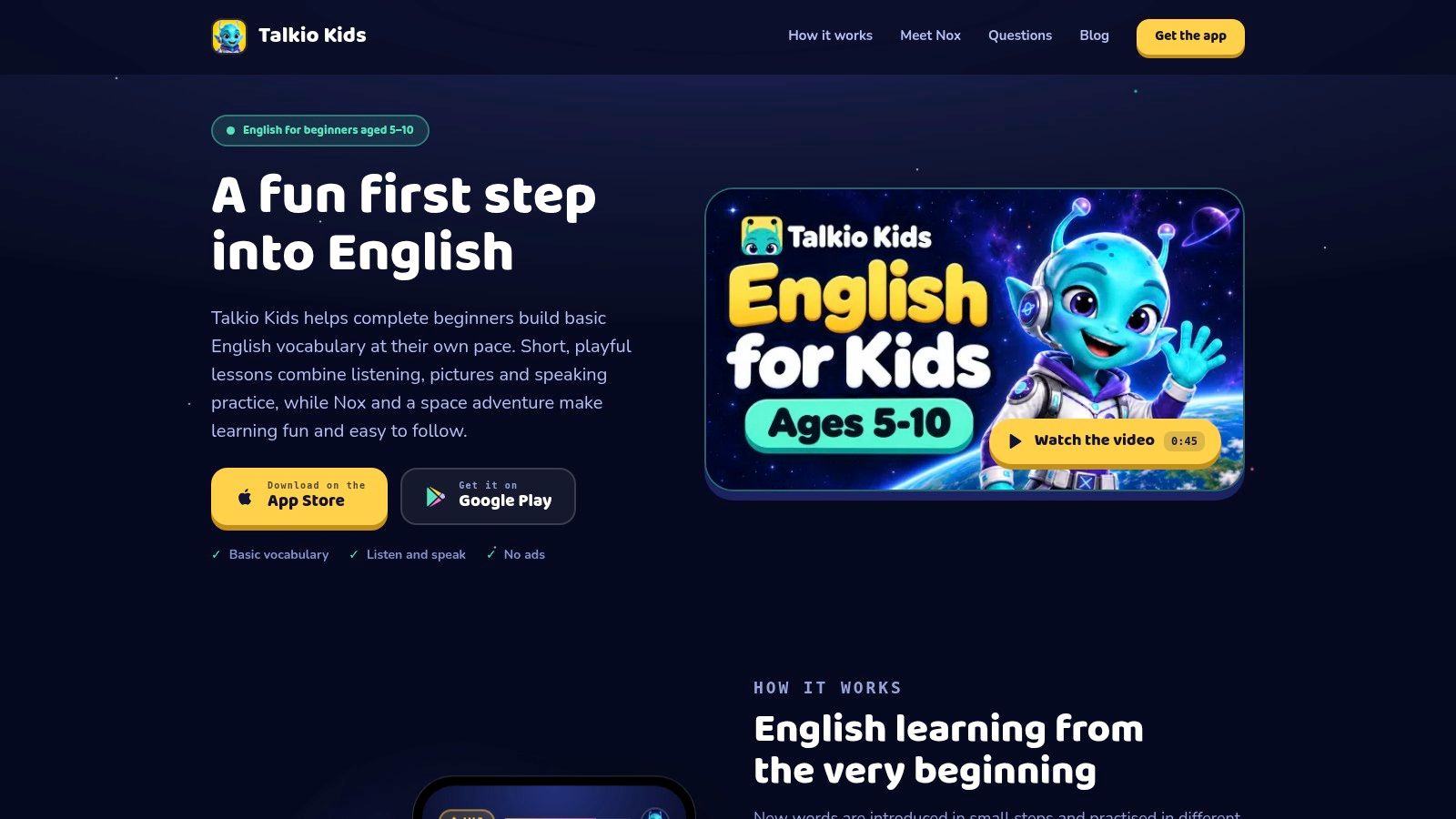
A short mission followed by a real object
A parent can begin with a listening-and-picture activity, then place familiar objects beside the device. After hearing a food or colour word, the child can point to a matching object and optionally repeat the word. The parent can accept an attempt without asking for perfect pronunciation.
Suggested fit: Ages 5–6 may benefit from an adult sitting nearby to establish the routine. Beginners aged 7–8 can take more control of replaying audio, while those aged 9–10 can choose a familiar topic and identify words they want to use outside the app.
Every instruction and word is spoken as well as written, so fluent English reading isn't required. Lesson support is available in English, Spanish, German, French, Italian, and Danish, with new words explained in the selected home language.
- Learning strengths: Small steps, replayable audio, pictures, speaking opportunities, and review keep the focus on understandable beginner language.
- Offline access and privacy: Lessons work offline, progress stays on the device, and no account is required. There are no ads, social features, open chat, or open-ended AI conversations.
- Speaking permissions: Optional recognition happens on the device. Microphone audio and transcriptions aren't saved or uploaded, and the course remains usable without recognition.
- Practical limitations: There's no multi-profile support, cloud progress sync, school dashboard, family plan, emailed reporting, or parent-defined time limit.
Before choosing a subscription
Full course access requires an active subscription. Monthly and annual options, current prices, and any eligible trial terms appear in the app; purchases are protected by a parent gate.
For parents comparing beginner access, audio support, and independence, the guide to choosing an English-learning app for kids provides further questions to consider. Talkio Kids is an educational aid, not a replacement for teaching or a guarantee of fluency.
2. Studycat English
Some children prefer moving between listening games, songs, stories, and speaking tasks rather than repeating one activity type. Studycat English is a dedicated English-learning option built around that variety, with an adventure-style route through a virtual town.
Its activities include vocabulary, listening, pronunciation, reading, and handwriting. VoicePlay adds voice-recognition speaking practice and feedback, although a parent should check how those activities work on the intended device before making them central to the routine.
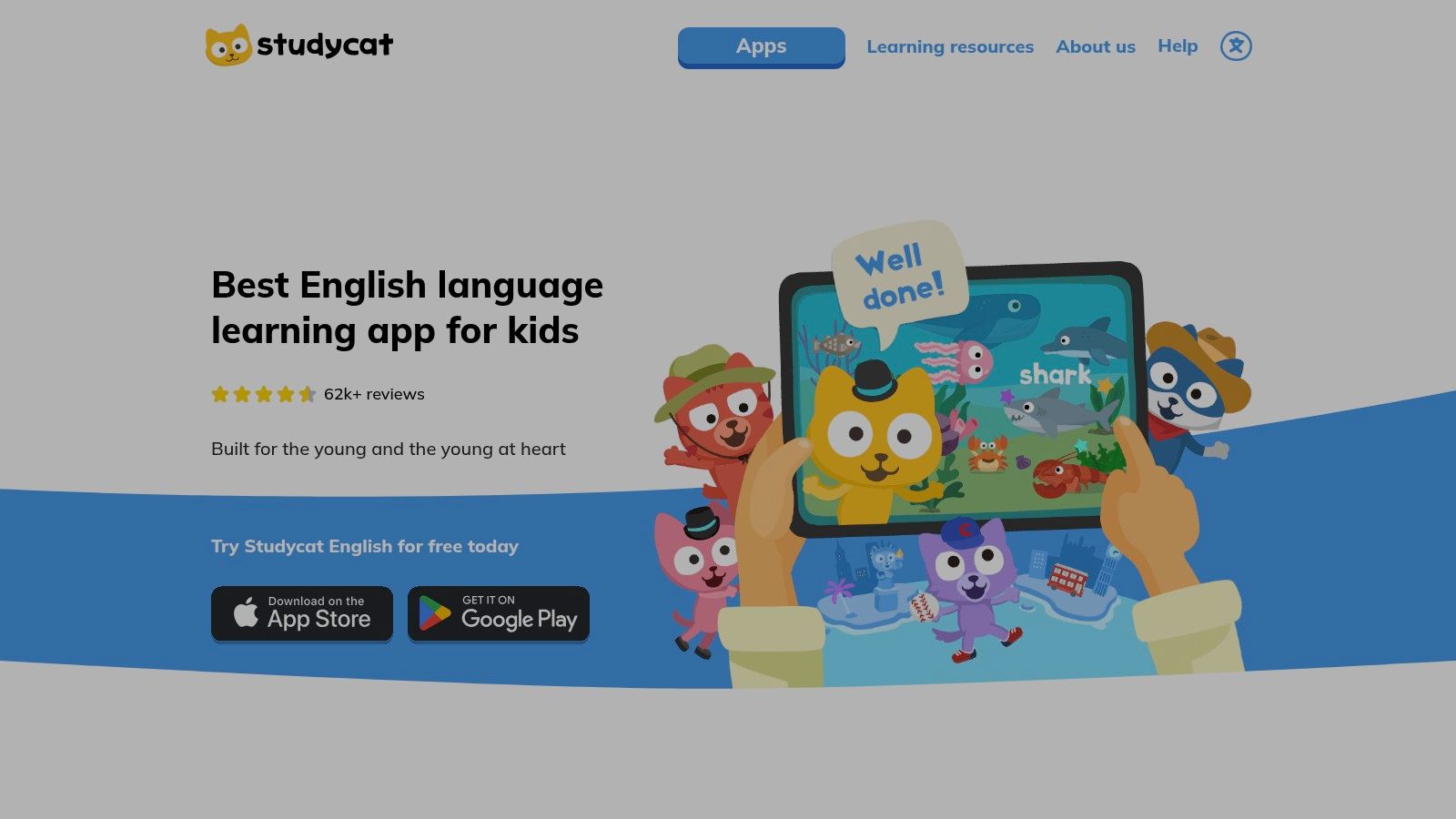
Try a listen-and-find game
For a five-minute home trial, a parent can choose a familiar topic and stay with it rather than moving quickly through the learning path. After a listening activity, the adult can draw simple pictures of the words encountered and invite the child to identify them when the audio plays again.
An older beginner could draw the pictures independently, then cover one and try to name what's missing. A child who isn't ready to speak can just point.
Suggested fit: Ages 5–6 may need help understanding the activity pattern. Ages 7–8 can try navigating familiar games independently, while parents of beginners aged 9–10 should check whether the characters and tasks feel appealing rather than too young.
Practical rule: A child should understand what a task asks before being expected to answer in English.
English immersion can make the first session demanding for a complete beginner. Parents can demonstrate the tapping or matching action without translating every word, then let the child replay the audio.
Before paying, check the subscription terms and what the limited free version allows. Studycat is available for iOS and Android and is presented as ad-free, but families should still review microphone permissions and speaking-feedback behaviour.
For a tutor, one familiar topic can become supplementary practice between lessons. The useful follow-up is whether the child recognises the vocabulary away from the game, not whether the activity was completed.
3. Lingokids
Lingokids is a broader early-learning choice rather than a narrowly sequenced beginner English course. Its games, songs, shows, and life-skills content may suit families who want English exposure alongside other kinds of play.
The Lingokids website describes Basic and Plus access, with a limited daily selection on Basic and a wider library on Plus. Downloaded offline activities and parent progress features are associated with Plus, so families should distinguish the plan they're considering from the app's overall feature list.
For a child who enjoys songs but avoids direct questions, a parent can begin with a song about a familiar topic. The aim needn't be singing every line. Recognising an action or finding a matching object is a useful first response.
Turn a song into a small action game
During a five-minute session, the parent can pause after a familiar word and invite a gesture, a point, or a repeated sound. After the device is put aside, the child can act out the same word while the adult guesses.
Suggested fit: This is most likely to interest children aged 5–6 and some aged 7–8 who enjoy a broad mix of early-learning activities. For a complete beginner aged 9–10, parents should preview the presentation carefully: needing elementary English doesn't mean wanting younger-looking entertainment.
- Main advantage: Different formats offer alternatives when a child doesn't enjoy direct vocabulary drills.
- Main trade-off: English practice sits within a wider curriculum, so parents may need to choose activities deliberately.
- Before paying: Check daily access limits, offline availability, payment requirements, and which parent features belong to the selected plan.
Both plans are described as ad-free, and the activity environment doesn't include open chat. Families seeking another perspective can consult a parent's guide to choosing Lingokids, while checking current commercial terms directly with the platform.
4. British Council LearnEnglish Kids
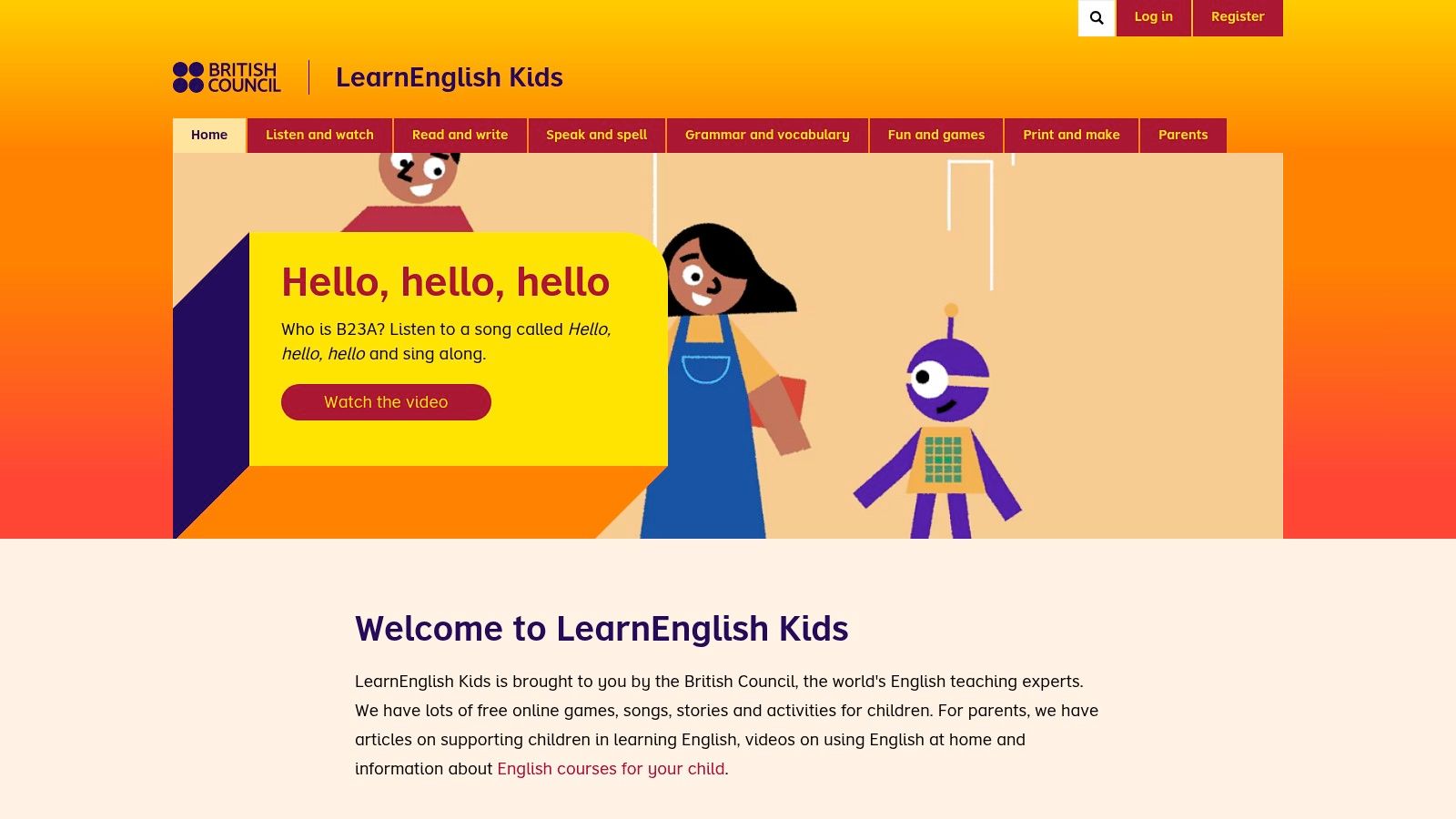
A family doesn't always need another subscription. British Council LearnEnglish Kids offers free games, songs, stories, vocabulary activities, and printable materials that parents can choose around a child's interests.
It works especially well when an adult is willing to select the activity in advance. Unlike a self-contained beginner app, the website requires some browsing, and an early English reader may need help interpreting menus or task instructions.
Build a picture hunt around one topic
For a five-minute activity, a parent can choose an animal, food, or clothing topic and preview its audio. The child can then listen and find matching pictures, either on the screen or on homemade cards.
A child aged 9–10 might prefer making a small illustrated menu or designing a creature and labelling familiar parts. That gives beginner words an age-appropriate purpose without requiring advanced English.
Suggested fit: Ages 5–6 generally benefit from shared navigation and picture-led tasks. Ages 7–8 can help choose topics, while beginners aged 9–10 may appreciate more control over stories, printable activities, and subject matter.
The Education Endowment Foundation's interactive-reading guidance supports repeated exposure, naming pictures, and adult-child interaction. Parents can apply those principles by revisiting a familiar page instead of searching for something new every evening.
- Useful strength: Printable resources let a family continue with drawing, pointing, and matching away from the screen.
- Access limitation: Interactive website games need an internet connection and aren't downloadable offline games.
- Before committing time: Preview the language demands and choose a specific activity rather than handing over the whole website.
For more age-sensitive activity ideas, parents can use the guide to English practice at home for nine-year-old beginners.
Teachers and tutors can also select a printable topic for paired practice. Each learner should have a turn to listen and respond, rather than relying on the quickest child to answer.
5. Monkey Junior
Monkey Junior is worth considering when a family wants vocabulary practice to connect with early English literacy. Its picture-, sound-, and action-based activities combine English vocabulary and phonics with broader listening, speaking, reading, and writing work.
The distinction between language knowledge and reading knowledge matters here. A child may understand how reading works in another language while still needing help connecting English sounds, spellings, and meanings.
The Monkey Junior website presents the app within a wider learning ecosystem. Parents should check which course contains the desired activities rather than assuming that every story or speaking feature belongs to the same purchase.
Play a picture-to-word detective game
A five-minute home activity can start with familiar picture vocabulary. After listening, the child finds the corresponding object or drawing; only then does the parent introduce the printed English word.
For an older beginner, the child can create a small picture dictionary organised around an interest, such as pets or food. Copying a word can be optional, especially when the immediate goal is understanding spoken English.
Suggested fit: Ages 5–6 who are beginning to notice letters may enjoy picture-and-sound tasks with adult support. Ages 7–8 and 9–10 can try vocabulary linked to print, provided the starting point reflects their English knowledge rather than age alone.
The Education Endowment Foundation's early-literacy guidance identifies oral language as a foundation for language comprehension and cautions that vocabulary alone isn't a complete solution. Parents shouldn't treat successful word matching as proof that a child can understand a story.
- Potential benefit: Visual and audio support can connect everyday vocabulary with emerging English reading.
- Selection challenge: A broad course range requires careful placement, especially for an older complete beginner.
- Before paying: Confirm the exact app, included course, in-app purchase terms, and device compatibility.
Offline access should be checked for the particular content a family intends to use. The guide to offline English-learning apps for kids explains practical checks before relying on an app during travel or without dependable internet.
6. Papumba
A child who resists anything that looks like a language lesson may respond more readily to a short story or general learning game. Papumba combines educational games with videos, books, and audio stories, including activities in English, Spanish, and Portuguese.
That variety is also its main limitation for this purpose. Papumba isn't a step-by-step beginner English course, so parents need to select an activity with a clear language opportunity rather than assuming all play is English practice.
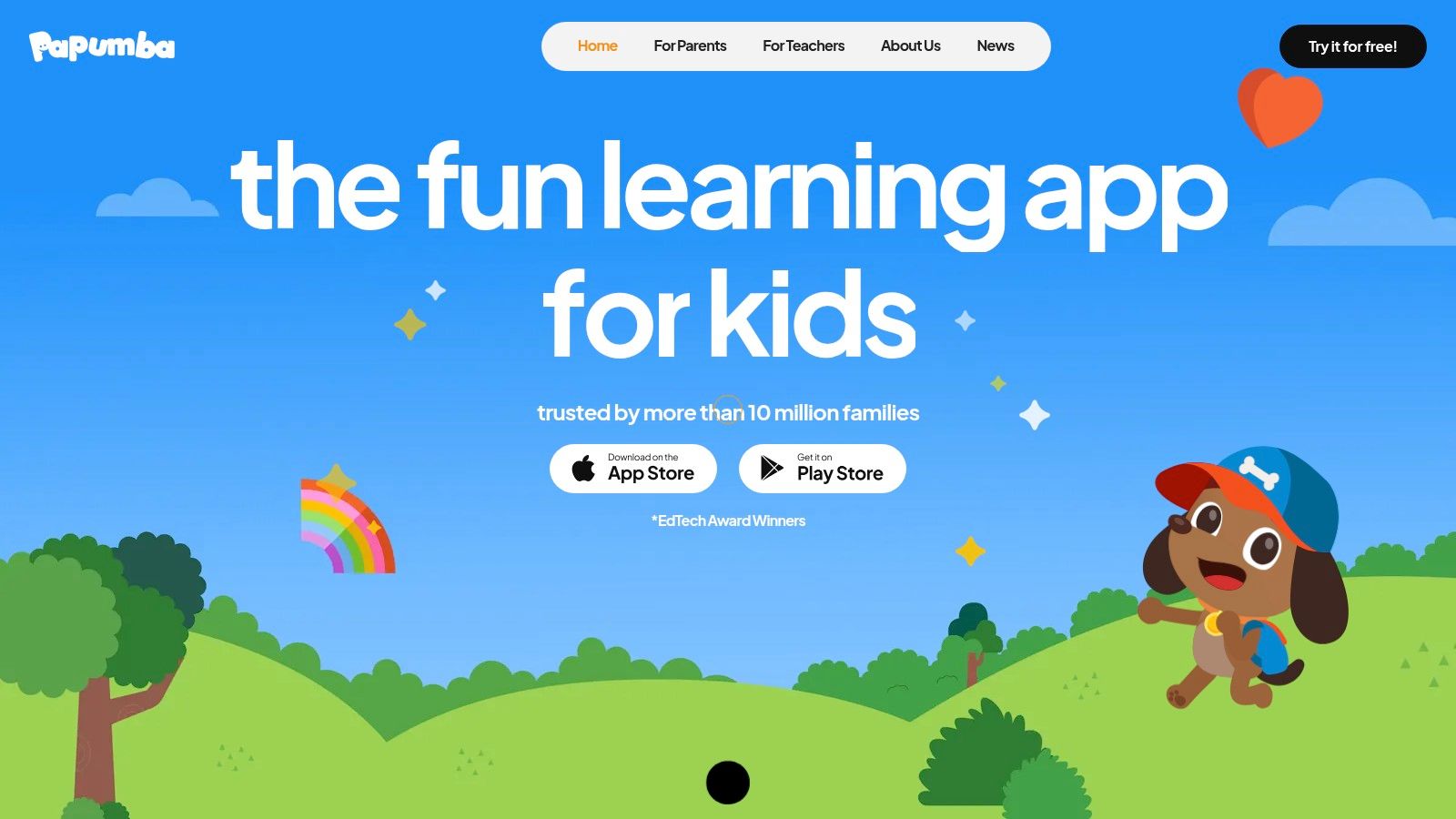
Suggested fit: Papumba is primarily a younger-child option. Children aged 5–6, and some aged 7, may enjoy its presentation; parents of beginners aged 8–10 should preview the characters and activities before choosing it for regular use.
Make the story understandable before asking for speech
For a five-minute trial, a parent can select a short visual activity and focus on familiar objects or actions. The child can point when an object appears, copy an action, or choose between drawings that represent what happened.
The Education Endowment Foundation's communication-and-language evidence review supports approaches that connect spoken language with comprehension. The practical priority is meaning, not just getting a child to imitate an unfamiliar sound.
An enjoyable session can still contain too much unfamiliar English. Parents can reduce the task to listening and finding before asking for a spoken answer.
Before paying, families should check the current in-app purchase terms, which content is available in the desired language, and whether the intended activity needs internet access. Books, videos, and games shouldn't be treated as interchangeable when choosing an offline routine.
A tutor could use a suitable visual activity as a conversation prompt, but should supply the language structure around it. For a complete beginner, choosing the matching picture may be a more appropriate response than retelling the story.
7. Khan Academy Kids
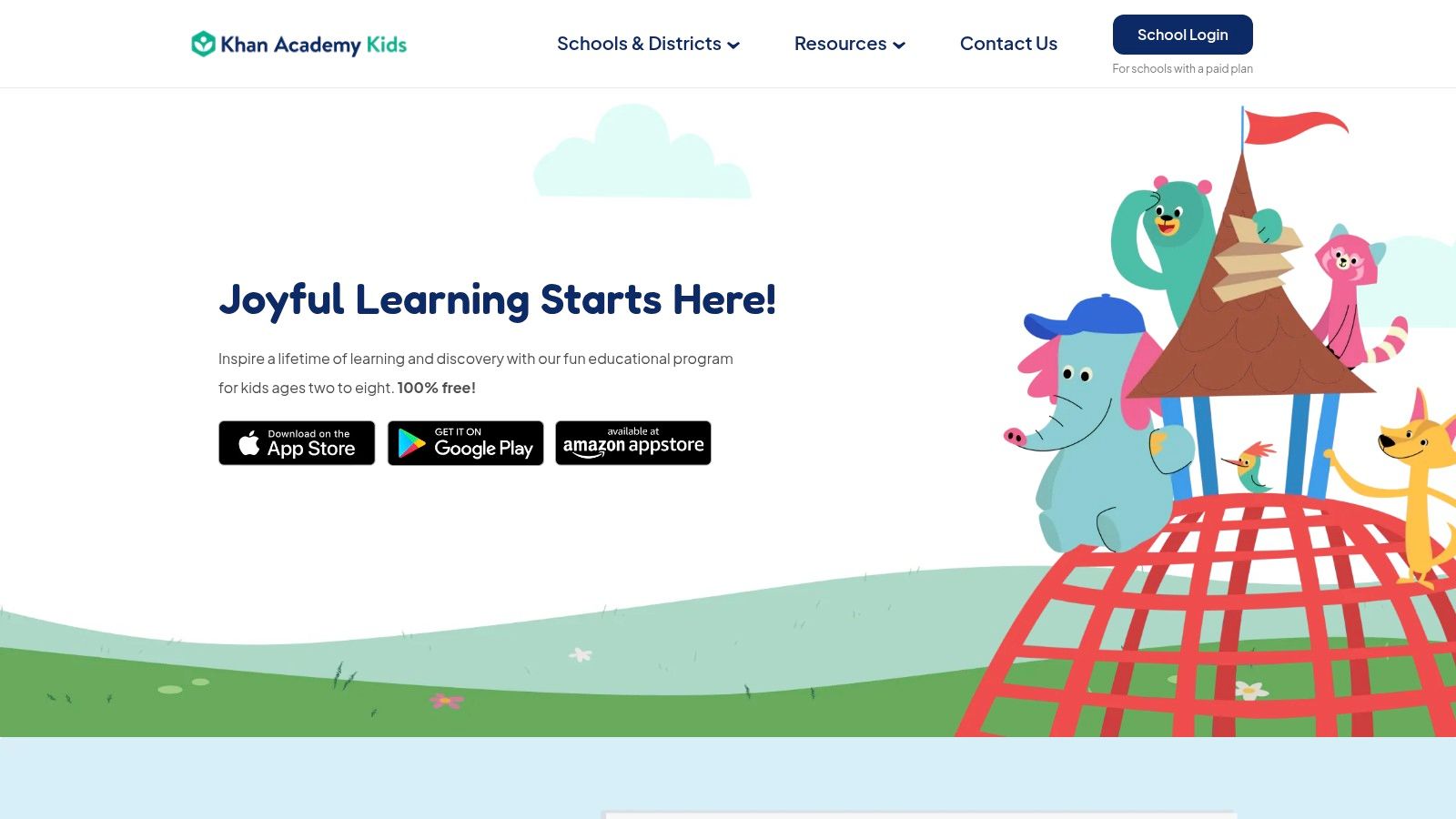
Khan Academy Kids is a free early-learning and literacy app, not a dedicated English-as-a-second-language course. It can complement beginner language practice when a child is ready to explore English sounds, vocabulary, books, and early reading.
The Khan Academy Kids website describes a family app without ads or in-app purchases. Its mix of interactive practice, books, videos, and an adaptive learning path makes it useful for families exploring literacy without adding another subscription.
A parent should still distinguish accessible tapping from accessible language. A child may understand how to operate an activity while missing the spoken instruction or the meaning of a story.
Try shared listening with a picture pause
For a five-minute activity, a parent can open a short book or listening task and pause at an illustration. The child can find a named object, gesture what a character does, or repeat a familiar word.
Suggested fit: Ages 5–6 and 7–8 who enjoy early-learning characters are the clearest match. A beginner aged 9–10 may benefit from a selected literacy activity, but parents should check whether the presentation feels comfortable and respectful of the child's age.
The Education Endowment Foundation's guidance on reading in early-years education supports storytelling and shared reading for language comprehension. Audio and pictures can support participation, but they aren't substitutes for systematic reading instruction.
- Strong reason to try it: Families can explore substantial early-literacy content without a subscription.
- Important limitation: Activities can assume more English understanding than a complete beginner has.
- Before investing time: Preview spoken instructions, reading demands, device requirements, and offline access for the intended activity.
For teachers and tutors, a selected book can support a shared listening task. Asking learners to identify meaning before reading aloud helps separate comprehension from their ability to imitate English sounds.
How the eight English learning options compare for beginners aged 5–10
| Item | Target ages | Cost model | Best for |
|---|---|---|---|
| Talkio Kids | 5–10 | Monthly or annual subscription | Beginner English practice with short, gentle lessons |
| Studycat English | Not specified | Limited free version; subscription for full access | Playful English learning with speaking practice |
| Lingokids | 2–8 | Limited free Basic plan; paid Plus plan | Varied early learning with some English activities |
| British Council LearnEnglish Kids | 5–12 | Free | Games, stories, and printable English resources |
| Monkey Junior | Broad age range; select content to suit the child | Paid content via in-app purchases | English vocabulary, phonics, and early literacy |
| Papumba | Mainly 2–7 | In-app purchases; check current terms | Varied early-learning activities for younger children |
| Khan Academy Kids | Mainly 2–8 | Free, with no ads or in-app purchases | Foundational English literacy and reading practice |
Pick One Small Routine and See How Your Child Responds
The best starting tool is usually one a child is willing to open again, but enjoyment isn't the only thing to notice. Parents should also watch for a small sign of understanding: finding the correct picture, recognising a familiar word, or using it away from the screen.
A randomised controlled trial of a digital English-learning app for Japanese children supports the role of game-based apps as supplementary language practice, particularly alongside formal instruction. That doesn't establish the effectiveness of every app, and it doesn't mean an app should replace conversation, shared reading, or teaching.
Keep the first routine small
A practical starting routine is about five minutes: name a few pictures together, invite the child to point to the matching picture after hearing a word, and offer a chance to say something familiar. Hello or red is enough for an initial speaking attempt; silence doesn't require turning the activity into a test.
- For ages 5–6: An adult can demonstrate the activity and accept pointing, gestures, or shared repetition.
- For ages 7–8: The child can operate replay controls and choose between familiar topics.
- For ages 9–10: Parents can offer more independence and interests that fit primary-school life, without increasing the English difficulty too quickly.
Parents who aren't confident English speakers can let the tool supply pronunciation. Their role can stay simple: help the child start, notice what the child understands, and stop before the activity becomes a struggle.
Notice learning beyond the screen
A useful follow-up can happen while putting away toys or preparing food. A parent can offer the same familiar word and see whether the child recognises it in a different setting, without repeatedly asking for a performance.
An app that produces completed activities but constant guessing may need more adult support or an easier starting point. An app that feels too young may need replacing even when the language level is suitable.
For families considering a dedicated beginner option, the App Store listing and Google Play listing provide download routes. Parents can also explore the app and download options, then review subscription choices and any eligible trial terms in the app before committing.
Talkio Kids offers short listening, picture-matching, speaking, and review activities for complete beginners aged 5–10, with offline lessons and Nox as a friendly space companion. Parents looking for a calm starting point for English learning games can visit Talkio Kids and consider whether its beginner approach suits their child's next small step.