
English learning at home
10 English Learning Apps for Children Who Cannot Read
Compare 10 English learning apps for children who cannot read. See audio-led activities, offline use, age fit and parent tips for ages 5–10.
By Talkio Kids ·
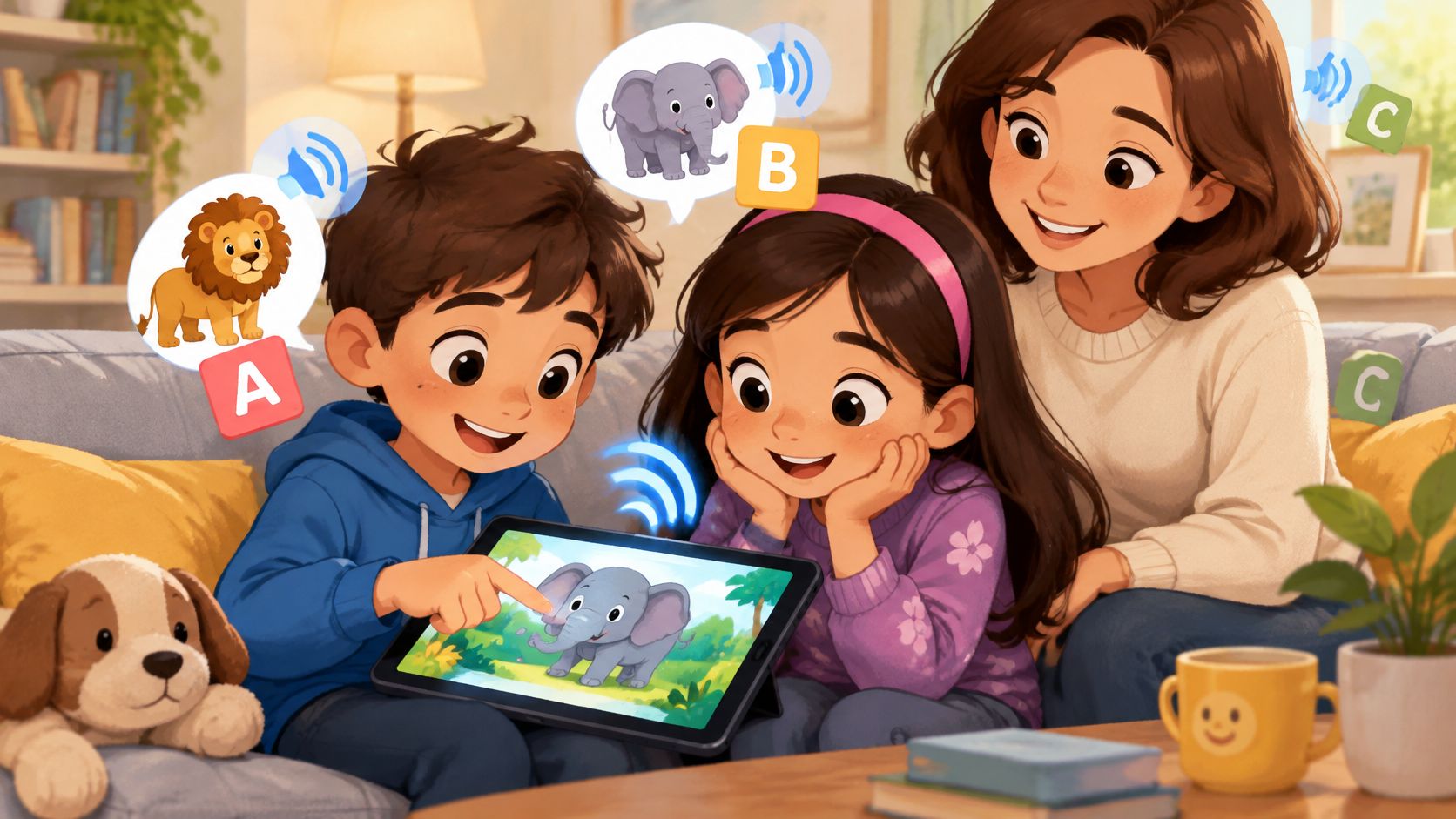
It is Sunday evening. A six-year-old who loves animals is on the sofa with a tablet, happy to point at a lion and stuck on the word underneath. A nine-year-old in the same family can be in the same spot: old enough for school clothes and homework habits, and still a complete beginner in English. Age, home language, and reading are three different things.
The apps below are sorted by what a non-reader can do: tap and hear, listen and repeat, follow a story, or walk a fuller course with a parent close by. The comparison stays with listing pages and official sites: audio, pictures, age range, offline use, and price. Where those pages stay quiet, the gap is marked.
A parent checklist follows the same idea: audio-only use, offline access, speaking permissions, and privacy. Apps can add listening and a small set of useful words, while conversation with family still does the heavy lifting. UNICEF's 2024 Foundational Learning Action Tracker, covering 123 low- and middle-income countries, reports that approximately two-thirds of children cannot read and understand a simple text by age 10. That wide picture of early literacy is one reason spoken prompts matter before independent reading. Families still building talk before school can read about helping toddlers develop language before kindergarten. For a beginner, the first test stays simple: press, hear, answer, try again.
1. Talkio Kids
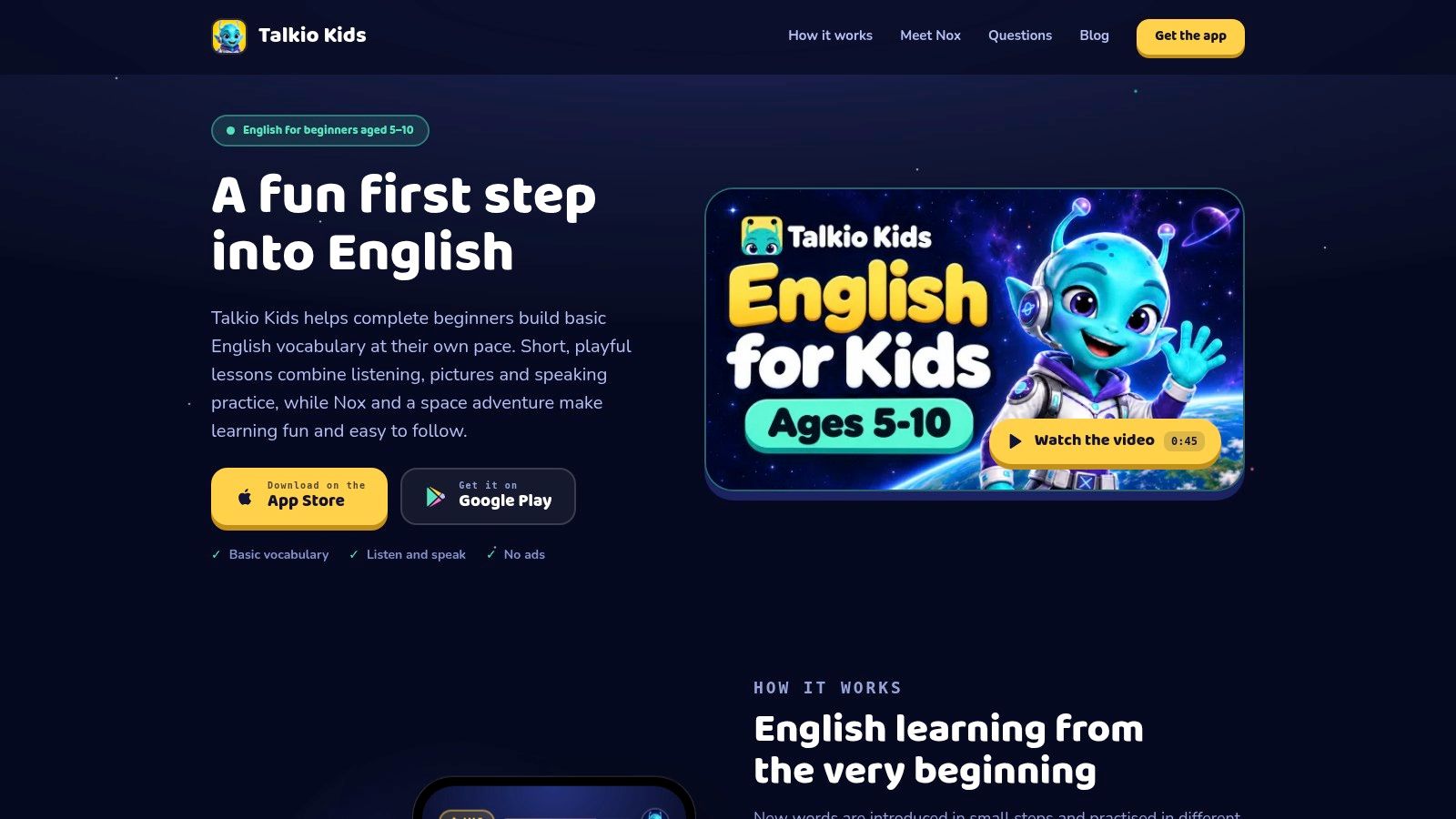
Talkio Kids is for complete beginners aged 5 to 10 who need a gentle start, not a long lesson. Each short activity lets a child hear English, match a word to a picture, answer a simple prompt, and try saying it aloud. Replay is one tap away. It feels like a picture dictionary on the kitchen table, with a small pile and a voice that repeats without sighing.
Nox, a friendly alien, guides the space journey and celebrates effort. The theme is the reason to tap the next card. The learning stays ordinary and useful: greetings, animals, colors, numbers, family, and food. No earlier English is required, and there are no hearts, lives, or harsh buzzers. A missed answer can be tried again.
What a non-reader can do alone
Every instruction and every word is spoken as well as written. Pictures carry the meaning for early readers and for older children who do not read English yet. If the family speaks Spanish, German, French, Italian, or Danish at home, new words can be explained in that language. A review of mobile language-learning research reports that audio narration can scaffold comprehension for pre-readers, and that audio paired with flashcard images improved children's ability to connect spoken forms with written word forms and meanings. That review is stronger for comprehension and single-word vocabulary than for grammar or decoding. Talkio Kids stays in the narrower lane. It builds basic vocabulary and simple phrases. It does not guarantee fluency, and it is an educational aid, not a school, a tutor, or a speech service.
- Offline and on the device: Lessons, pictures, and recordings ship inside the app. Progress stays on the device. No account or sign-in is required.
- Speaking stays local: Microphone practice is recognized on the device. Audio and transcriptions are not saved or uploaded. If permission is declined, the step becomes “tap when you've said it,” and the child judges the try.
- A closed screen: No ads, social features, open chat, or open-ended AI conversations. Purchases sit behind a parent gate.
Monthly and annual subscriptions are available through the App Store or Google Play. Eligible new subscribers can try the complete course free for seven days, and current pricing is shown in the app. There is no cloud sync, family plan, school dashboard, or parent-set time limit. Talkio Kids teaches English in this beginner format only.
2. Studycat English
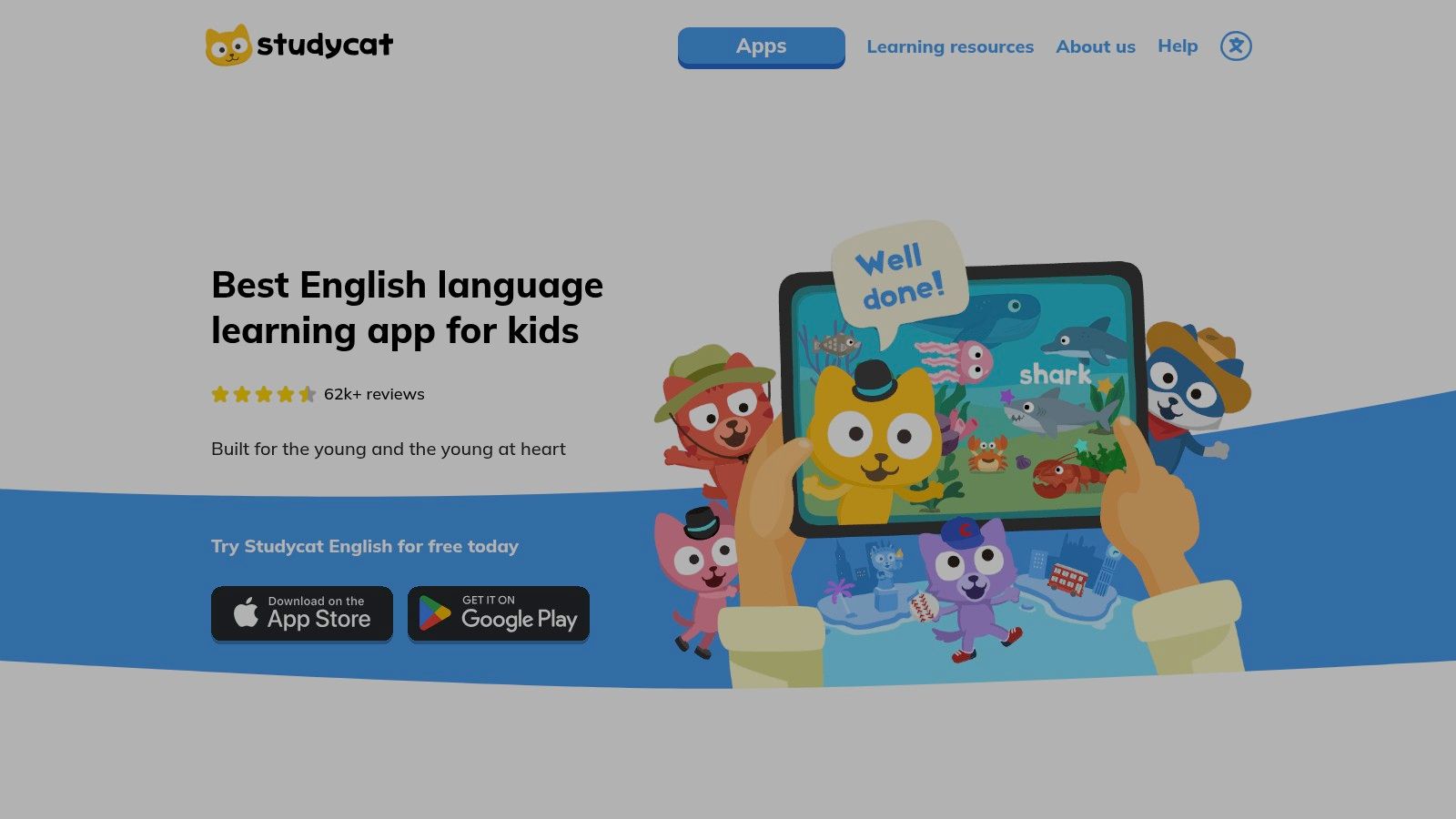
Studycat English is a game-based course for ages 2 to 8, built as a guided walk through a virtual town. Short games, songs, and stories cover vocabulary, pronunciation, listening, and early literacy. That is more course than picture dictionary. It is also why a preview matters. Some activities involve reading or handwriting, so a child who cannot read will stall without an adult.
A 2025 Flinders University analysis of 309 early-literacy apps found that experts recommended only 85, while consumer star ratings had no significant relationship with expert quality assessments. The same analysis pointed to limited explicit instruction, poor sequencing, and inadequate corrective feedback. Stars will not show whether a spoken prompt is enough. A calmer way to compare options is how to choose an English learning app for kids.
Practical rule: Sit through one round without reading the screen aloud. If the child cannot move, that activity is not ready for solo use.
- VoicePlay: Pronunciation practice with real-time feedback, next to songs and stories.
- Path and reports: A guided path, learner reports, an ad-free design, and listed offline use.
- Price shape: iOS and Android. Full access needs a subscription. The free version is limited.
Studycat does not make every game print-free. For a beginner around 7 or 8, the town can feel like a real course. For a non-reader, start with songs and picture games.
3. Lingokids
A 7-year-old who likes songs more than worksheets may stay longer in Lingokids than in a strict vocabulary deck. The app is a broad early-learning library for ages 2 to 8. English vocabulary and pronunciation are part of the mix, not the whole product. Games, songs, videos, voice-over, symbols, and animation are meant to help young children move around without reading.
- A large shelf: Games, songs, and videos, with English, Spanish, and Brazilian Portuguese options.
- Navigation: The company says voice-over, symbols, and animation support use without independent reading.
- Plans: A free Basic plan offers a limited set of daily activities. Offline downloads and the full library need Lingokids Plus.
Variety can hold interest on a rainy afternoon. It can also scatter a short English routine, because the child is not inside an English-only path. Basic setup asks for a child profile and an email address or Apple sign-in, so it is not a no-account tap-and-go tool. Parents who want ten minutes of animals and colors should pick one English activity and leave the rest for later. Lingokids does not replace a beginner English course, and it does not claim that every video teaches new language. Details live on the Lingokids site.
4. LearnEnglish Kids: Playtime
Story listening is the center of LearnEnglish Kids: Playtime, a British Council app recommended for ages 6 to 11. Children watch animated songs and stories, then repeat and record a voice to compare with a narrator. That listen-and-repeat loop fits a child who is not ready to read instructions.
British Council pronunciation guidance says speaking usually begins after a period of listening and thinking, and that children often hum along with a song several times before they join in with more words. Playtime follows that order, the way a child at the kitchen table hums a tune long before singing the words. A large library of animated songs and stories sits beside games for spelling, understanding, and grammar. Videos can be downloaded for offline viewing, a parent area shows progress information, and the Google Play listing describes the app as ad-free.
Spelling and grammar games ask for more reading, so they are a poor first stop for a non-reader. Unlimited access needs a subscription. Recent Google Play reviews can be checked for playback or subscription-access problems, so it is sensible to test one downloaded video before paying. A song will not turn into conversation by itself. A parent can replay one chorus, pause, and let the child point and repeat. A 9- or 10-year-old beginner can use the same songs without being treated like a preschooler, as long as the topic still feels respectful.
5. Languakids – English for Kids
Languakids is a structured beginner-to-elementary path, closer to a short course than a stack of flashcards. Topics stay practical: family, home, food, school, and shopping. Illustrations and audio sit with games, dialogues, and review, so a word shows up inside a situation.
The listing is for ages 3 and up. That range does not prove every screen works without reading. Captions and spelling-linked material may be hard for a non-reader. The App Store listing also has a small review volume, so public feedback is thin.
- Path: Step-by-step lessons with review, simple sentences, and dialogues.
- Media: Audio, illustrations, and games, with offline use listed.
- Access: Premium is required for all courses and features. Home or classroom use is possible for beginners.
A parent who is not confident in English can lean on the recorded lines and repeat the same three phrases later at dinner. Languakids does not remove the need to check which activity is audio-led. It also does not publish, in the materials used here, a clear note on accounts or ads, so those points stay unknown rather than assumed. See Languakids before deciding.
6. Tap & Learn English
Tap & Learn English is the plain version of tap-and-hear. A child taps an illustration and hears the English word. No reading, spelling, or typing is required. The listing describes 1,846 illustrated words with US and UK pronunciation, stored in the app with the pictures. No account is required.
Topics include animals, food, transport, feelings, and space. That last set can suit a 9- or 10-year-old who would rather name a rocket than a nursery toy. The listing describes a one-time purchase with no subscription, ads, or in-app purchases. The listed price is specific to Google Play and may vary by region, so a number from one country should not be treated as universal. The release is relatively new, and public feedback is still thin.
This is first-word exposure, not sentences and not conversation. A useful home add-on is to pick three pictures, hear them, then use the same words while setting the table. The app will not coach a phrase like “I like the red one.” It also will not track a full course. Parents who want only a talking picture book can start on Google Play. If a store page omits speaking practice, that omission is the product, not a hidden feature.
7. English for Kids – Vkids Edu
Vkids mixes vocabulary games, flashcards, interactive stories, and speaking practice, and it also reaches into reading and writing. Recent App Store version notes mention pronunciation evaluation, which suggests the speaking tools are still being maintained. The official site lists content for ages 2 to 15 and offers the app on iOS and Android.
That wide age span is the caution. Material aimed at older learners, or at children who already read, may not fit a 6-year-old, and it may not fit a 10-year-old who is new to English but not new to school. Parents of non-readers should open a story and a game and see which one runs on audio.
- Stories and cards: Vocabulary games, flashcards, and interactive stories.
- Speaking: Pronunciation evaluation, according to recent App Store notes.
- Evidence: The App Store page has few ratings, so user experience is hard to judge from public reviews.
Offline access is not clearly established in the listing details used here, so it should be checked on the device before a trip. Vkids does not present itself as audio-only, and a varied library is not the same as a short beginner path. An overview is on the Vkids site.
8. Khan Academy Kids
Khan Academy Kids is a free early-learning app for ages 2 to 8, not a course built for children with little or no English. Narrated stories, songs, and character conversations can still put English in the room. Some stories read aloud while highlighting words, which helps emerging readers connect sound and print.
Khan Academy describes the app as free, with no ads or subscriptions. The official site also identifies support for emerging readers and multilingual students. Those are real strengths for a family that wants extra story time without another bill.
A free library is a supplement. It is not automatically a first English course.
Much of the content centers on literacy, math, and broader school-readiness skills. A child who cannot yet follow English instructions may enjoy the narration and miss the learning point. For ages 9 and 10, the 2-to-8 design can feel young even when the English level is beginner. Khan Academy Kids does not sequence everyday phrases the way a dedicated vocabulary app does. Use one narrated story, then talk about a single picture in whatever home language makes the meaning clear.
9. Sound Touch
Sound Touch is a picture-and-sound discovery app. A child taps a real-world photo, hears the authentic sound it makes, and hears the spoken word for it. Think of a picture dictionary on the kitchen table, where each picture answers with a lion's roar or a doorbell's ring. The listing says the core experience needs no reading. More than 400 flashcards cover real subjects, many with several variations, in US, UK, and Australian English, plus other languages.
The listed audience includes babies, toddlers, and preschoolers, and the listing also describes classroom and speech-therapy use. A 5- or 6-year-old may love the animal sounds and tap through them happily. A 9- or 10-year-old beginner may finish the set quickly, because the app names things and stops there. It does not build phrases, and it does not offer a progressive English course. It sits in the tap-and-hear category: strong for naming, silent on speaking and sentences.
Offline use is one thing to check before you rely on it away from Wi-Fi, since the listing does not make that clear. Parents comparing downloadable options can read about offline English learning apps for kids and then confirm each store page themselves. Sound Touch remains a useful tap-and-hear shelf, available from its App Store page. Just treat it as a picture book with sound, not a lesson plan.
10. English for Kids: Flashcards
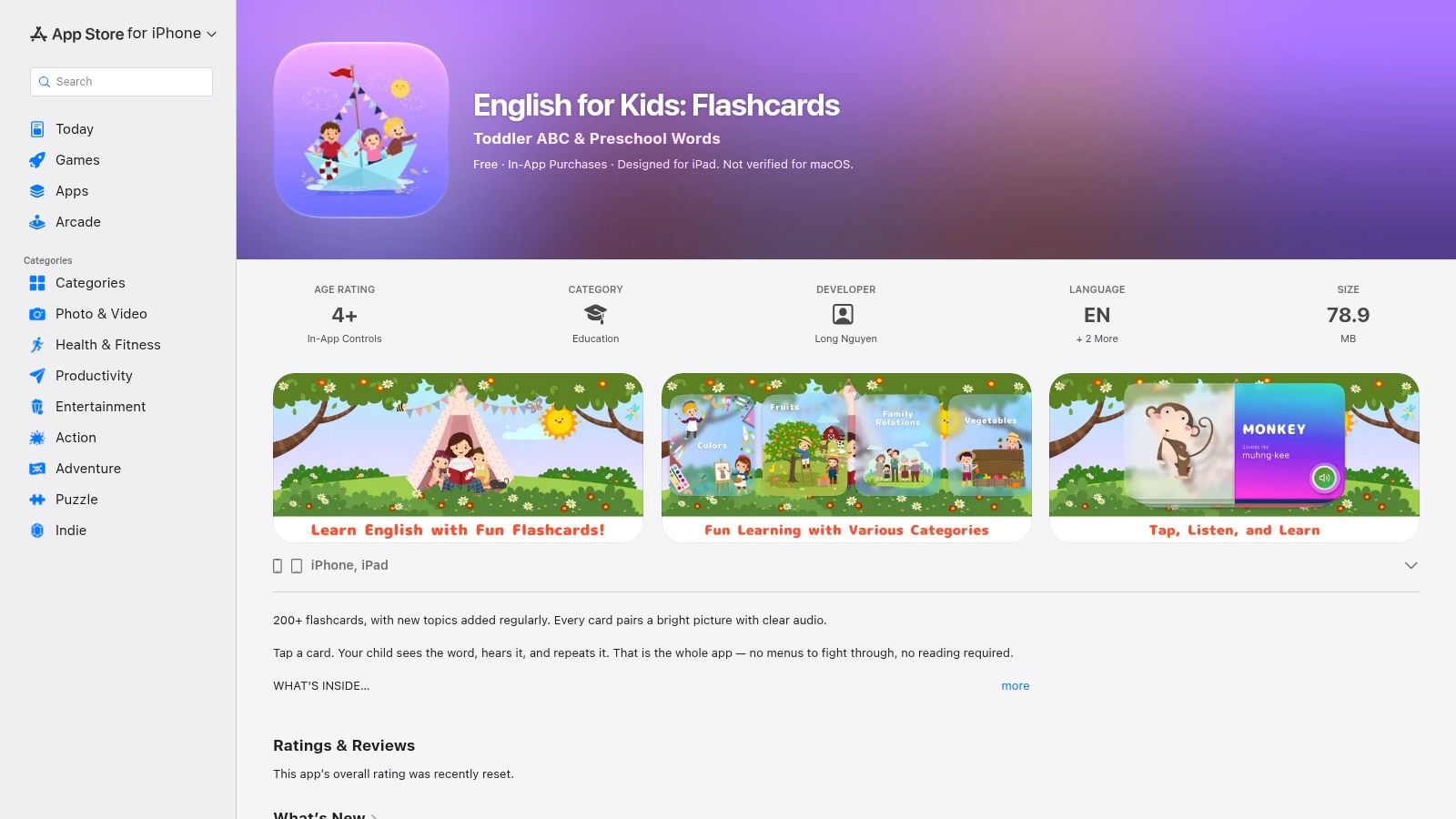
This flashcard app keeps the job small. A child taps a card, sees a picture, hears the English word, and can repeat it. More than 200 cards cover everyday categories such as colors, animals, food, family, numbers, and routines. Each card pairs a picture with a written word and audio. The core tap does not require reading, which makes it usable for pre-readers and for older beginners who are not ready for text-heavy games.
The developer lists offline use after download and some progress tracking. A pronunciation guide may help a parent who does not want to be the only model. The listing describes a paid upgrade but does not clearly state the current US price, so that figure stays blank here. Public ratings are few, which limits what a store page can prove about day-to-day use.
Flashcards do not provide a structured course or conversation practice. They also do not tell a parent which twenty words to recycle this week. For that choice, English vocabulary for kids is a useful companion, then the cards on the App Store listing can supply the pictures and the sound. Five cards, heard twice, beat a long scroll.
How the 10 apps compare on age fit, audio-led use, offline access and pricing model
Start with the middle column. A "Yes" there means a child can run the app by ear and by picture, without a parent decoding the screen. The age column tells you whether the framing fits, the offline column tells you whether lessons survive a car ride without Wi-Fi, and the pricing column tells you whether you pay once or keep paying for access.
| Item | Listed age range | Works without reading | Offline use | Pricing model |
|---|---|---|---|---|
| Talkio Kids | 5–10 | Yes, audio and pictures support pre-readers | Yes, lessons and progress stored on device | Monthly or annual subscription; trial eligibility is shown in the app |
| Studycat English | 2–8 | Partly; some activities involve reading or handwriting | Yes | Limited free version; subscription for full access |
| Lingokids | 2–8 | Yes for navigation; not all learning activities are reading-free | Downloads available with Plus | Limited free Basic plan; Plus subscription |
| LearnEnglish Kids: Playtime | 6–11 | Partly; some spelling and grammar games require reading | Downloaded videos can be viewed offline | Subscription for unlimited access |
| Languakids – English for Kids | 3 and up | Not established for all activities; some involve captions or spelling | Yes | Premium required for all courses and features |
| Tap & Learn English | No range is listed; the picture-based tasks fit young beginners | Yes, tap-to-hear pictures require no reading | Yes | One-time purchase |
| English for Kids – Vkids Edu | 2–15 | Partly; includes reading and writing activities | The listing does not confirm offline lessons | The listing does not state a pricing model |
| Khan Academy Kids | 2–8 | Partly; narration supports emerging readers, but activities include literacy | The listing does not confirm offline use | Free, with no ads or subscriptions |
| Sound Touch | Babies, toddlers, and preschoolers | Yes, the core tap-and-hear activity needs little or no reading | The listing does not confirm offline use | The listing does not state a price; check the store page |
| English for Kids: Flashcards | No range is listed; suits pre-readers and older beginners | Yes, core flashcard activity works without reading | Yes, after download | Paid upgrade; the listing does not show a current US price |
A cell that says the listing does not confirm something is still useful information. Where offline access or a price is missing, the store page has the last word, so check it before you hand over the device or start a subscription.
Try One Short Routine and See How Your Child Responds
Pick one or two apps that match what the child can do today. A tap-and-hear dictionary is enough for first words. A song app fits a child who likes to echo. A short course fits a child who can stay with pictures for several minutes, including a 7- to 10-year-old who is new to English and does not need preschool framing.
A five-minute week
Run the same five-minute listening routine for a week. Play or show three pictures. Pause so the child can point. Invite a repeat only if the child looks ready. Notice whether the child points, repeats, or asks for a replay. Those signs matter more than a score.
The British Council's advice for parents is to use simple English with plenty of repetition during familiar moments such as games and rhyme time. Early phrases about likes, dislikes, what someone did, and how someone feels are enough. After the app, try one line in real life, such as “I like the red one,” while choosing a cup. A parent does not need a perfect accent. The recording can be the model.
A short parent check
- Audio-only use: Can the child finish one activity if nobody reads the screen?
- Offline access: Do lessons remain after the network drops, and does progress stay put?
- Speaking permission: What happens if the microphone is refused? The activity should still be usable.
- Privacy and accounts: Look for ads, chat, sign-up, and where recordings go. If the listing is silent, treat that item as unknown.
Audio-led apps work best beside everyday talk. They do not replace it, and a week of practice is not a promise of fluency.
Parents who want that small loop in one place can explore Talkio Kids. Subscription options and any eligible trial are shown in the app. No account is needed. The app is on the App Store and Google Play. More parent ideas are on the Talkio Kids blog.
Talkio Kids gives complete beginners aged 5 to 10 short listening, picture-matching, speaking, and review activities for everyday words and simple phrases, with Nox along for a calm space adventure. It fits children who cannot read English yet, because instructions are spoken and lessons work offline without an account. Visit Talkio Kids to see the activities, then choose a subscription inside the app if the first sessions feel right.