
English learning at home
Choosing an English Learning App for 7 Year Old Beginners
Choosing an English learning app for 7 year old beginners? Look for audio, short play, offline use and speaking practice that fits a home routine.
By Talkio Kids ·
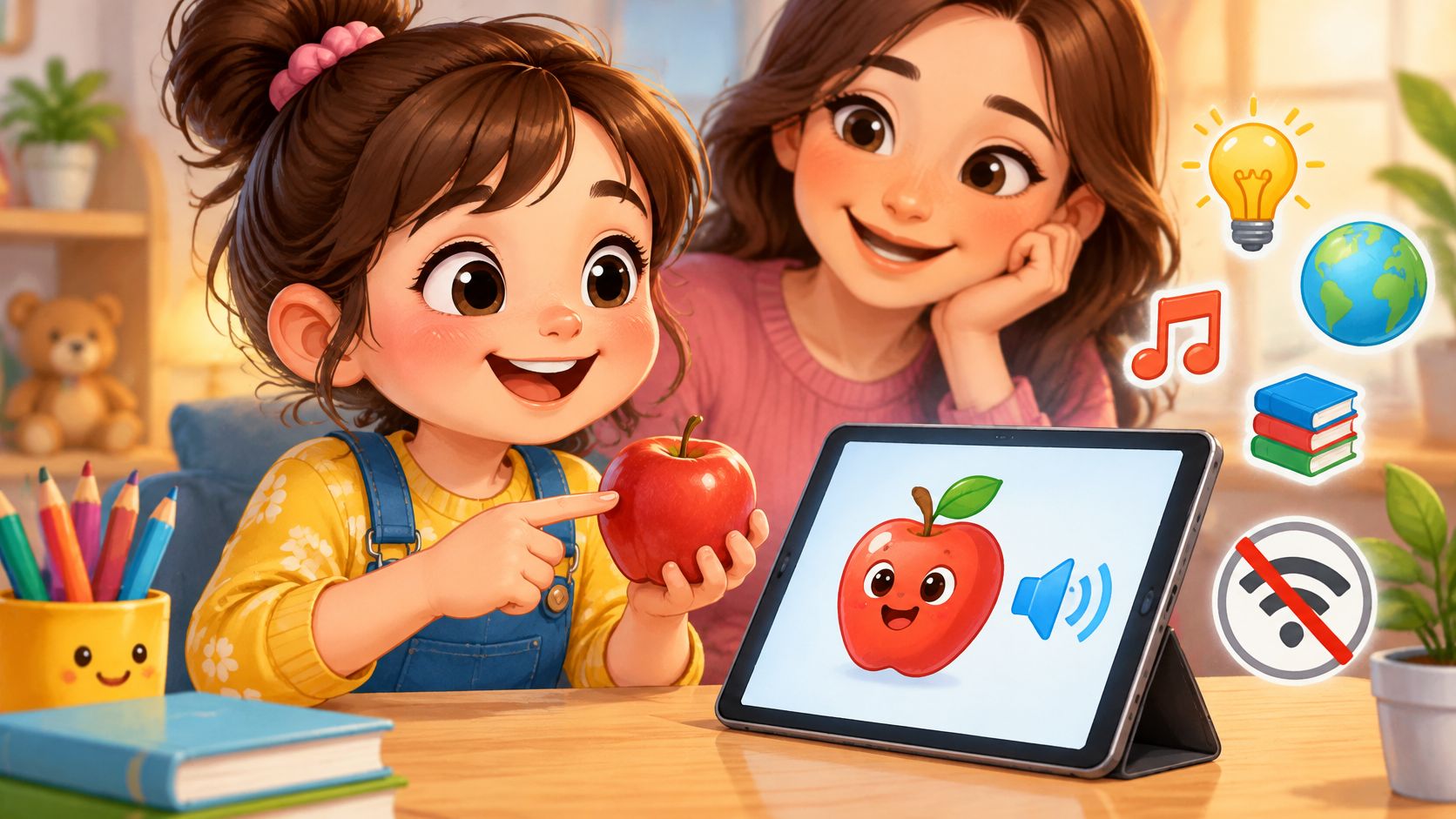
Can a child finish an English game successfully without being able to use any of its words away from the screen? That's the gap parents need to notice when choosing an English learning app for 7-year-old beginners. Enjoyment matters, but so do remembering a word, understanding its meaning and feeling comfortable trying it aloud.
A useful app gives a complete beginner an accessible starting point. Family conversation then gives those first words a purpose, whether that means naming food, finding a school bag or greeting a sibling.
Why Audio and Pictures Come First for Age 7 Beginners
Parents may worry that a seven-year-old knows no English and can't yet read instructions independently. English level, age and reading ability are separate things. A nine- or ten-year-old who reads confidently in another language can still need beginner English, without needing preschool-style activities.
Pairing a spoken word with a clear picture lets a child connect sound with meaning without first reading the word. The National Academies' review of digital learning describes evidence that interactive digital reading can support vocabulary and early literacy, particularly when adults or software connect illustrations with language. This supports choosing meaningful audio-picture activities, rather than assuming that any colourful game teaches English.

A simple path from sound to meaning
A well-designed beginner activity introduces a target word or short phrase, plays clear audio and shows a relevant image. The child then does something understandable, such as matching the spoken word to a picture. A spinning spaceship or dancing border shouldn't compete with the item being taught.
At home, a parent can replay the word for an apple, repeat it and point to an actual apple. The next turn can invite the child to find it or attempt the word, rather than merely watch.
Practical rule: The picture should explain the word, not distract from it.
The adult doesn't need to deliver an English lesson. Sharing attention, waiting for a response and connecting the activity to something familiar gives the practice a human context.
For an early reader, spoken instructions and pictures should carry the interaction. Written words can reinforce learning, but reading them shouldn't be the entrance requirement.
A Feature Checklist for a Beginner English App
Parents can use this beginner English app checklist for a seven-year-old while reading listings and examining sample activities.
| Feature | What to look for | Why it matters |
|---|---|---|
| Audio for every word | Instructions and words are spoken, with replay available | Early readers can follow without decoding |
| Picture pairing | A clear picture matched to each spoken word | Connects sound to meaning |
| Try before reveal | The child answers before the picture or translation confirms | Builds recall rather than recognition alone |
| Short lessons | Lessons a child can finish in one sitting and repeat | Fits a daily routine without wearing the child out |
| Speaking practice | Spoken answers with a fallback if the microphone is declined | Builds confidence without forcing it |
| Offline use | Lessons, pictures and audio stored in the app | Works on flights or with weak Wi-Fi |
| Progress on device | Progress stored locally, with clear information about what leaves the device | Helps parents understand privacy |
| Calm design | No ads, open chat or public profiles | Removes advertising and contact with strangers from practice |
| Parent-friendly setup | Instructions a non-English-speaking adult can follow | Parents can join in without translating everything |
Parents can mark each row as present, absent or unclear, using an actual activity wherever possible rather than relying on marketing descriptions. An unclear feature deserves further checking, not an automatic pass. An app that lacks audio, meaningful picture pairing or opportunities to attempt an answer before confirmation is a weaker fit for a complete beginner. The strongest candidate should suit the child's learning needs and the household's practical limits.
Compare the activity, not just the feature name
A listing may mention speaking when the child only repeats after a recording. That can be useful, but it isn't the same as answering another person's question. Similarly, a vocabulary game may reward quick tapping without asking the child to remember much.
For broader comparison habits, the Gaeilgeoir AI app comparison guide offers another resource for considering language-learning software. For this age group, parents should keep the child-specific checklist central rather than assume that features useful to independent learners suit young beginners.
The guide to choosing a vocabulary game app can help parents examine the learning activity behind the game.
Teachers and tutors can use the same checklist when recommending supplementary home practice. A suitable recommendation should include a manageable task, such as practising familiar food words, rather than asking a family to spend longer in an app.
Short Playful Routines That Build Real Recall
A child who recognises the right picture may not yet be able to remember its English name. Both skills matter, but recognition and recall aren't interchangeable.
In three foreign-language vocabulary experiments indexed by ERIC, learners recalled fewer words when an answer-revealing image was available during retrieval than when the image appeared afterwards or was absent. These weren't a direct test of seven-year-olds using this app, but they offer a useful design principle: give memory a chance before supplying the answer.
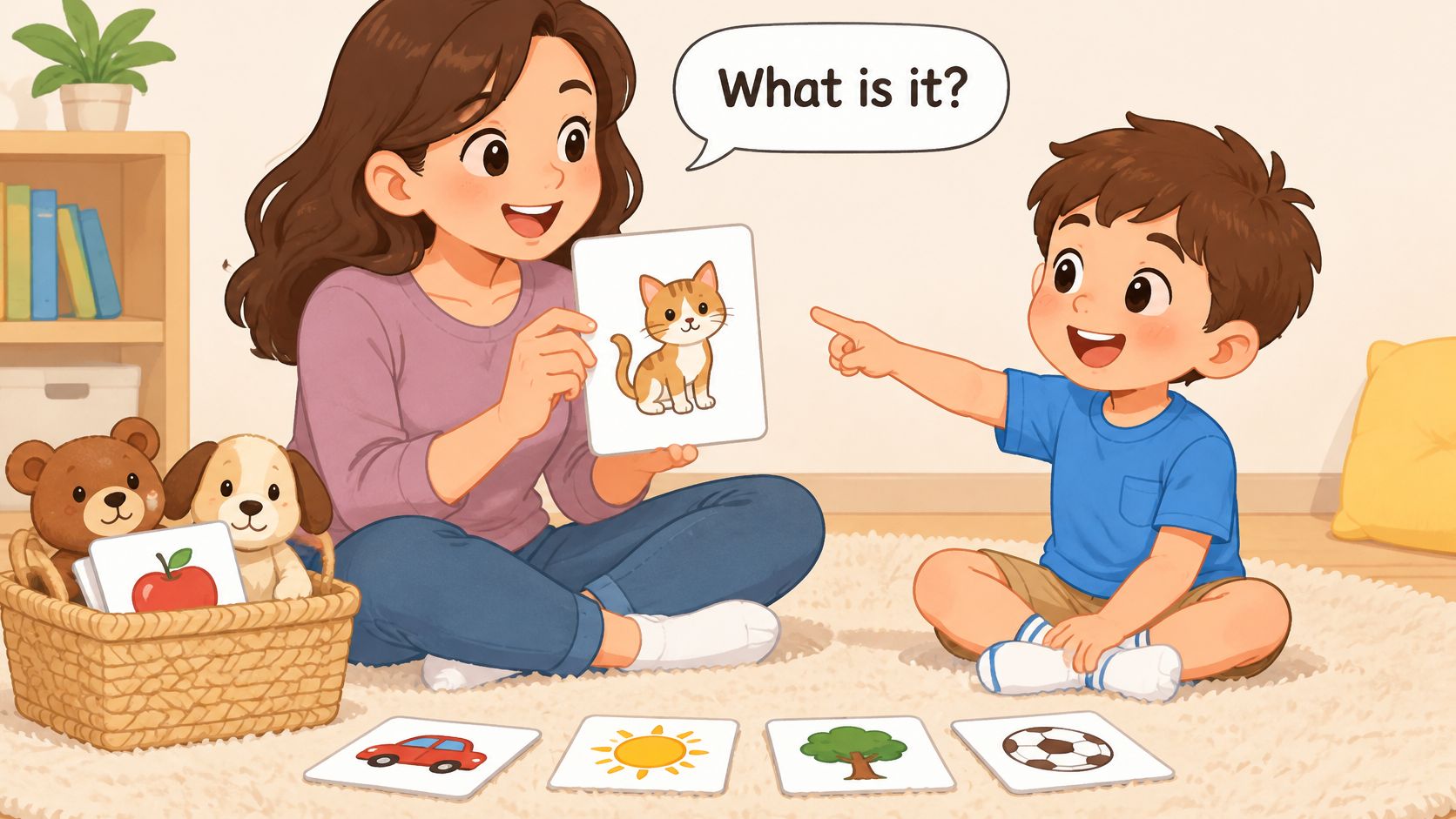
A no-purchase practice sequence
These activities can use household objects, homemade drawings or a familiar recording.
- Listen, then pause. A parent plays or says a familiar English word clearly, then waits instead of immediately adding more explanations.
- Invite an attempt. With a familiar item hidden in a bag, the parent asks the child to remember its English name before revealing or naming it.
- Confirm kindly. The parent shows the object or picture and repeats the word, giving an immediate model without turning the mistake into a lecture.
- Play the objects game. For example, a cup, spoon and book can sit on a table; the adult names an item, the child touches it, and then they swap roles.
- Return to a favourite song. The family listens to a small selection, lets the child choose a favourite, then repeats it and joins in with familiar words.
The British Council's listening guidance recommends active responses such as pointing to matching flashcards and moving when a target word appears. Its support for parents also recommends choosing and repeating songs, and allows parents to explain instructions in their own language.
Make the speaking turn manageable
After the child identifies the cup, the adult can model a short phrase about seeing it and wait for the child to copy. A whisper, nod or single word can be accepted at first. If speaking feels unwelcome, parent and child can point and name together, then return to an independent speaking turn another day.
A toy or sibling can become the listener, so practice feels like play rather than a test. Teachers can use the same role-swapping activity in pairs, with familiar vocabulary rather than a new word in every turn.
End while the child still wants more. A wrong answer is the start of another attempt, not a failure.
Talkio Kids has no hearts, lives or harsh buzzers; children can try again, get help and continue without getting stuck. More English activities for seven-year-olds learning their first words can help families carry practice beyond the screen.
Offline Use and Speaking Practice Parents Should Check
Offline access is a learning-continuity feature, not merely a travel extra. A child shouldn't lose access to familiar practice whenever the home connection drops.
The scale of unequal access matters: UNICEF reports that about 2.2 billion children and young people worldwide lack internet access at home. For an individual family, the practical question is straightforward: does the app contain its teaching materials, or must it contact a server whenever a lesson opens?
Test the actual offline experience
An offline label may mean that selected lessons can be downloaded, not that the whole course is available. Parents can use this practical test after installation or any required content download:
- Disconnect the device. Switch to airplane mode and make sure Wi-Fi hasn't remained enabled.
- Open a lesson. Check that instructions, pictures and audio load, then try a review activity rather than testing only the opening screen.
- Check saved progress. Complete an activity, close and restart the app, and confirm that the completion remains visible.
Talkio Kids ships every lesson, picture and recording inside the app. Progress stays on the device, and no account or sign-in is needed.
Speaking privacy needs a separate check
Access to a microphone doesn't explain what happens to a child's voice. Parents should distinguish on-device recognition from audio sent elsewhere for processing, and check whether recordings or transcripts are retained.
In this app, speaking exercises are recognised on the device. Microphone audio and transcriptions aren't saved or uploaded; temporary transcriptions remain in memory only during the exercise.
- Permission declined: Speaking steps become a tap-to-confirm activity after the child says the answer, with the child judging the attempt.
- Recognition unavailable: The app uses self-assessment and doesn't open the microphone.
- Device continuity: Local progress doesn't provide cloud sync or automatic continuation on another device.
That last trade-off deserves attention before a family changes phones or tablets. Parents should plan around a regular device rather than expect a cloud-backed learning record or emailed report.
For a reluctant speaker, privacy is only part of the picture. The guide to helping a shy child speak English offers ways to make the human side of practice gentler, without treating microphone use as compulsory.
How Talkio Kids Fits the Checklist
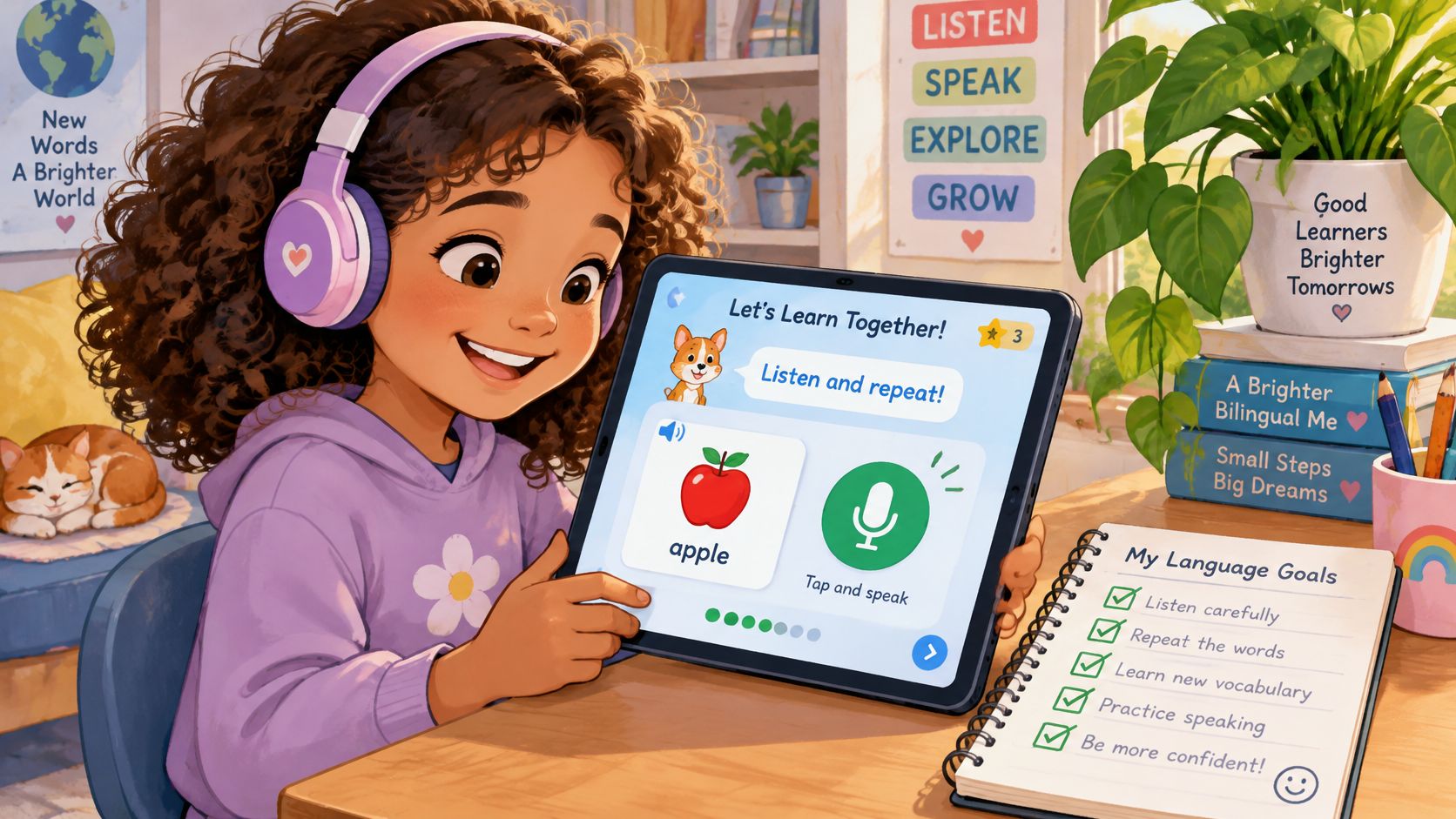
For complete beginners aged 5–10, this iOS and Android app offers short listening, picture-matching, speaking and review activities. Familiar topics include greetings, animals, colours, numbers, family and food. Every instruction and word is spoken as well as written, and audio can be replayed with a tap.
Nox, a friendly alien companion, guides children through lessons, introduces new words and celebrates effort within a space adventure. The purpose is basic everyday vocabulary and simple phrases, not guaranteed fluency.
Support for families and clear limits
The interface around lessons supports English, Spanish, German, French, Italian and Danish. New words are explained in whichever of those supported languages the family speaks at home. Families using another home language should consider that limitation when judging how independently a child can begin.
The app has no ads, accounts, social features, open chat or open-ended AI conversations. Purchases sit behind a parent gate.
- For home use: There's no family plan, multi-profile support, cloud progress sync or emailed reporting.
- For adult supervision: There are no parent-controlled time limits, so adults need to manage session endings.
- For teachers: There's no school dashboard; supplementary practice needs a separate classroom follow-up.
What outcomes are realistic?
A randomised controlled study published in Studies in Second Language Acquisition found positive outcomes among seven- and eight-year-old Japanese learners using a digital English app over 16 weeks; 92% of surveyed parents agreed that it improved vocabulary knowledge, and 84% agreed that it improved pronunciation. Those findings concern the app studied, not this product, and parent agreement isn't a measure of conversational fluency.
Useful early goals include recognising a familiar word without help, repeating a practical phrase and volunteering an answer. Spontaneous conversation also requires listening to another person, taking turns and responding when the exchange changes.
An app can supply a model and a practice turn. A person can respond to what the child actually means.
Monthly and annual subscriptions are available, with current prices and trial eligibility shown in the app. New profiles require an active Premium subscription before the course begins, so parents shouldn't assume that downloading provides free course access.
Test One App for Two Weeks Before You Subscribe
A two-week observation period can help a family judge whether an app fits daily life. It isn't a guaranteed free trial: when access requires payment, parents need to review the terms before beginning and treat the observation period as a decision about continuing.
The principle is similar to observing people complete real tasks during user testing methods for apps, described by NZ Apps. Parents needn't conduct a formal test, but watching what the child does is more useful than counting attractive features.
A calm family decision process
Record the starting point. Parents can note English knowledge separately from reading ability: perhaps the child recognises animal words but can't follow spoken instructions, or reads well in the home language but knows no English. Older beginners deserve age-appropriate interests and respectful support, not automatic placement in preschool activities.
Compare a small shortlist. Each candidate can receive a present, absent or unclear mark for every checklist feature. Parents should investigate unclear microphone, offline and subscription information before allowing independent use.
Observe the strongest candidate. Where access terms allow, the family can try it across the proposed two-week period, with an adult alongside during the early sessions. A few minutes at a predictable moment is a practical starting arrangement, not a prescribed learning dose.
Look for transfer and willingness. On a later day, the parent can offer a familiar object and see whether the child recognises or attempts its English name without the original screen. Notes can also record whether the child asks to continue, needs extensive help or becomes frustrated by navigation.
Review the purchase decision. Before subscribing or continuing, the adult should check monthly and annual options, current prices, trial eligibility and renewal information in the app or store. Subscription access is provided through Apple's App Store or Google Play, rather than a separate child account.
Decide on fit, not a perfect performance
The family's notes needn't become a scorecard for the child. A useful observation might be that the child willingly repeats food words but needs an adult to explain navigation. That points to a support need, not a failed learner.
The American Academy of Pediatrics' Family Media Plan offers a way to fit screen use around household routines, device-free times and bedtime. An app should fit that wider plan rather than become the whole English-learning routine.
Parents can explore the app and download options, including the App Store listing and Google Play listing. If another app fits the child and checklist better, the same decision process still applies.
Talkio Kids offers short, audio-led listening, picture-matching, speaking and review activities for complete beginners, including seven-year-olds taking their first steps in English. Parents can visit Talkio Kids to explore the approach, download the app and review subscription options before choosing a home practice routine.